207
15 Optional Devices
15.4
15.
GC-2014
15.4Setting the AUX AMC Parameters
Flow rate and gas type can be set for the AUX AMC.
15.4.1 Screen description
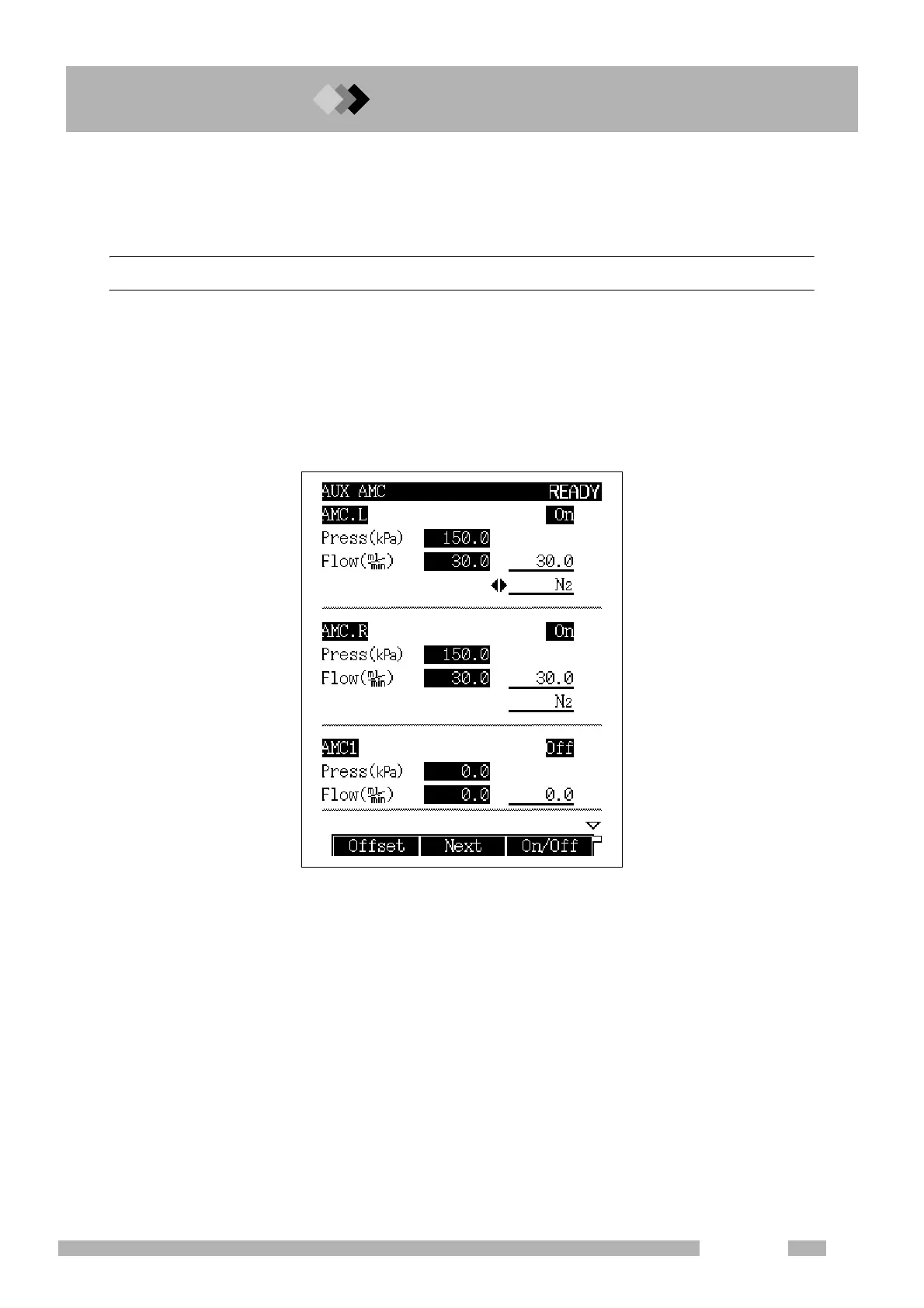
When the DAFC unit on other configurations is set to "AMC, LR" and/or the optional AUX
AMC is installed, press the [OPTION] key to display the screen shown in Fig. 15.4.1. If a dif-
ferent screen appears, press the [OPTION] key again or [NEXT] (PF menu) to display the
correct screen.
The screen toggles among AOC parameters → AUX temperature → AUX APC → AUX AMC
→ CRG screens in this order.
Fig. 15.4.1 AUX AMC main screen



 To Next Page
 Loading...









