12 Injection Port
12.2 Split/Splitless Injection System
135
GC-2014
12.2.5 Pressure program
You can set a program to increase and decrease the column inlet pressure during analysis.
If high-boiling point contaminants are clunting shorlty after the target compounds, a pressure
program can be used so that the oven temperature does not need to be set higher than nec-
essary. This prolongs column service life.
12.2.5.1 Screen description
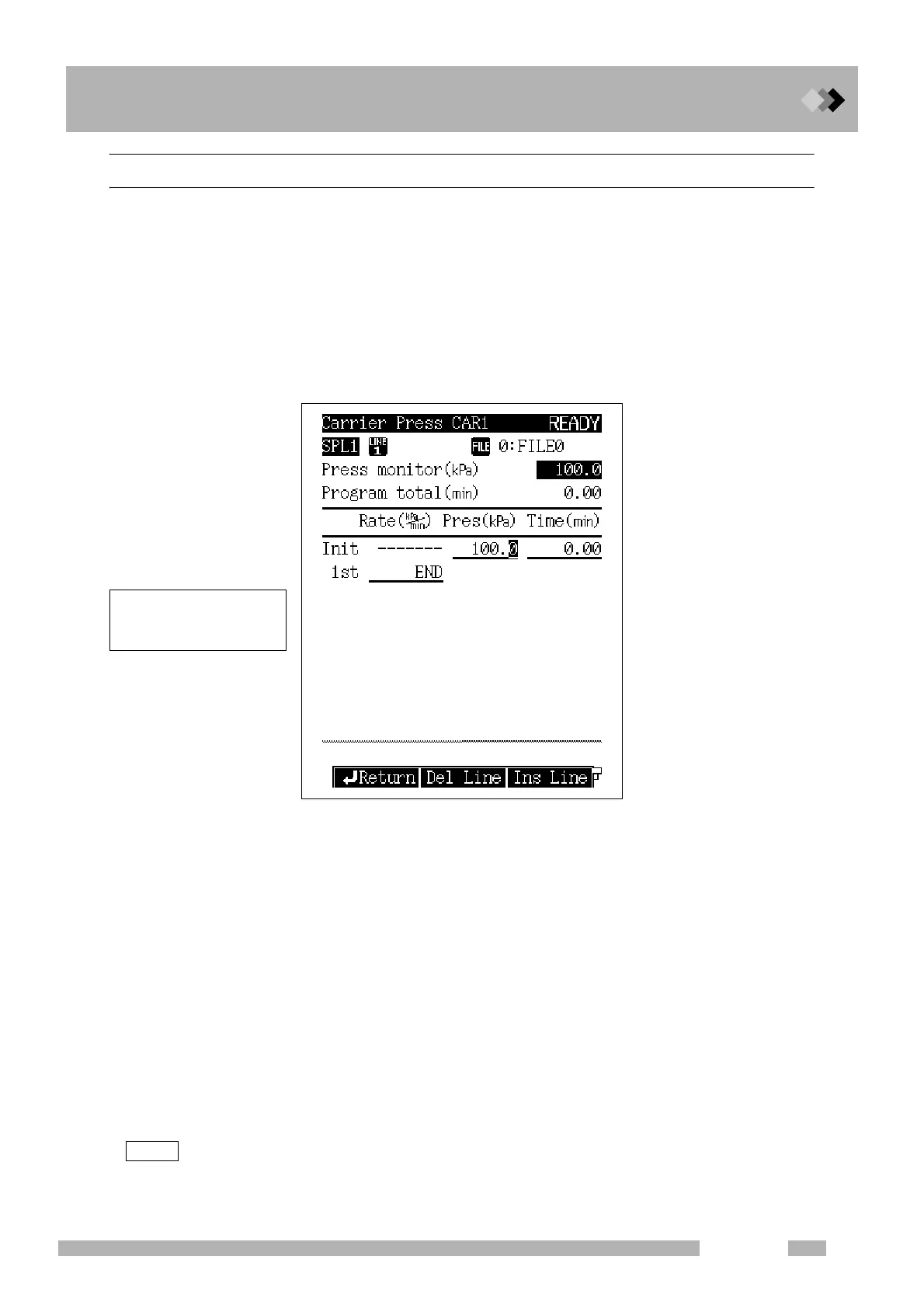
Select [Press Prog] (PF menu) from the [FLOW] key main screen when the control
mode is set to “PRESS,” to display the carrier press screen shown in Fig. 12.2.8
appears.
12.2.5.2 Parameter list
PRESS
Range: 0.0−970.0 kPa (Refer to Fig. 12.2.5.), Default: 100 kPa
Set the initial pressure and the final pressure for each stage of the pressure program.
TIME
Range: 0.0−9999.99 min, Default: 1.00 min
Set the hold time for the initial pressure and the final pressure for each stage of the
pressure program.
RATE
Range: END/-400.00−400.00 kPa/min, Default: END
Set the pressure program rate.
If you set the rate to “0”, “END” appears and the program finishes at the previous ramp.
If you move the cursor to “END” and set any numeric value other than “0”, the pressure
and the time for that ramp can be enterd.
The pressure increase/decrease program rate control range may be limited depending on the total flow
rate setup value, the column in use and the purge flow rate.
Fig. 12.2.8 Pressure program setup screen
NOTE
Up to 7 ramps of pressure
increase or decrease can be
set.



 To Next Page
 Loading...









