16 Special Functions
16.6 GC Configuration
250
GC-2014
16.6.9 Setting the link device code
When the gas chromatograph is linked to a Chromatopac, the link device code must be set.
The link device code specifies which GC channel should start when the GC [START] key is
pressed.
16.6.9.1 Screen description
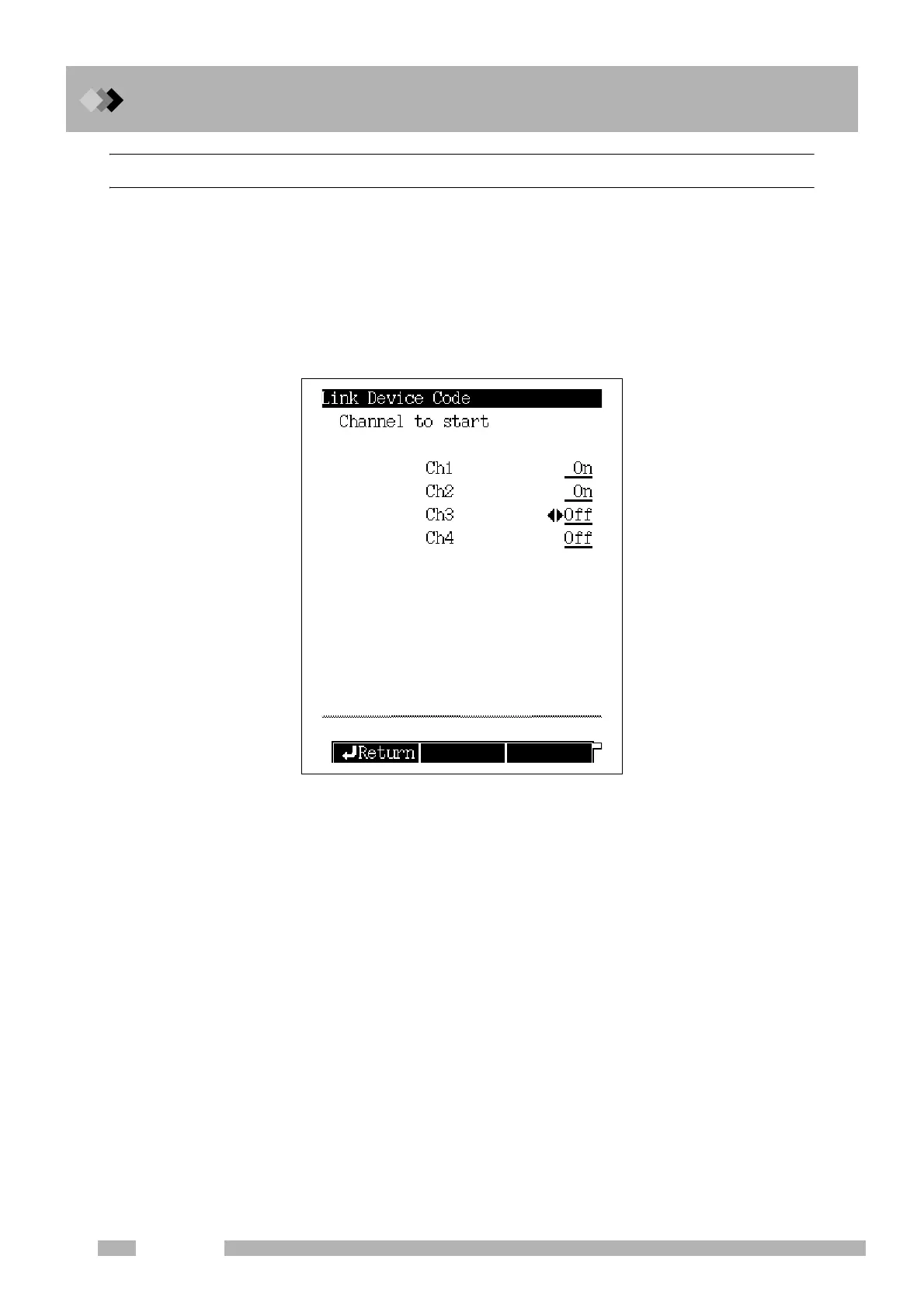
Select “6. GC CONFIGURATION” from the [FUNC] key screen, and then select “7. LINK
DEVICE CODE”, to open the screen shown in Fig. 16.6.21.
16.6.9.2 Parameter list
CHANNEL TO START
Ch1−Ch4 Selection: On/Off, Default: On
Set “On” or “Off” for the start signal of each channel.
Fig. 16.6.21 Link device code setup screen



 To Next Page
 Loading...









