16 Special Functions
16.3 Time Program
228
GC-2014
NOTE 2) Current range
NOTE 3) When the dual AFC is used
1. There is no settings for “splitter ctrl”, “high press inj mode”, and “gas saver”.
2. Septum purge cannot be selected on “flow controller On/Off”.
16.3.6 Editing a time program
To change the contents of an existing time program, move the cursor using the [ △ ] and [ ▽ ]
keys to the program line to be edited changed and press the [ENTER] key.
To change only the time, enter the new time from the edit screen and press [Finish] (PF
menu).
To change the other parameters, move the cursor and make the changes from the edit
screen, and then press [Finish] (PF menu).
To cancel the edits and restore the original time program, press [Cancel] (PF menu) before
pressing [Finish] (PF menu).
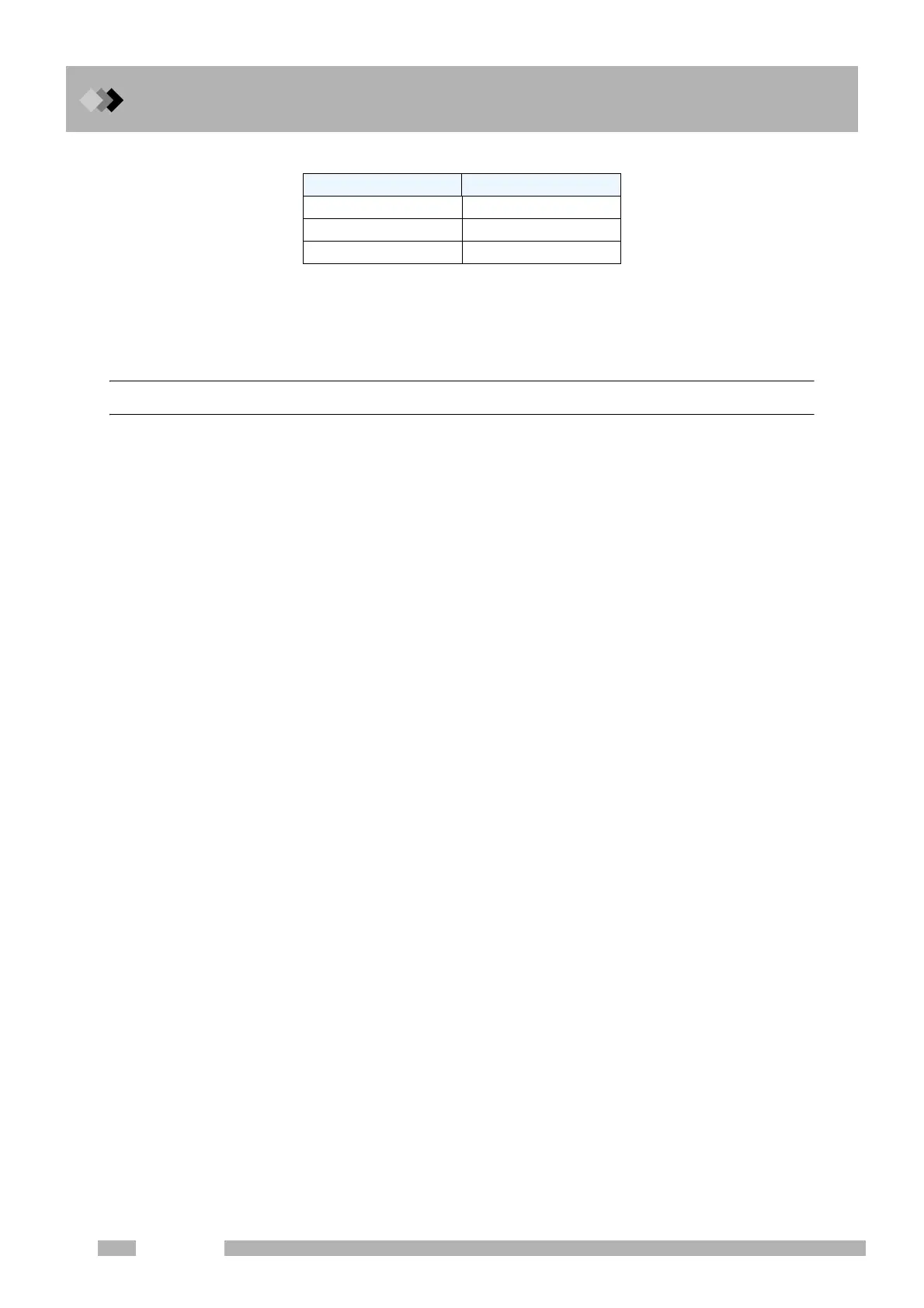
Detector type Current
FTD 0.00−10.00 (pA)
ECD 0.00−2.00 (nA)
TCD 0−200 (mA)



 To Next Page
 Loading...









