12 Injection Port
12.1 Packed Column Injection Port (Dual INJ)
124
GC-2014
12.1.3 Entering Columns Parameters
Set values for column dimensions are not used for calculation for controlling the dual AFC.
Values entered here are simply for notes.
12.1.3.1 Screen description
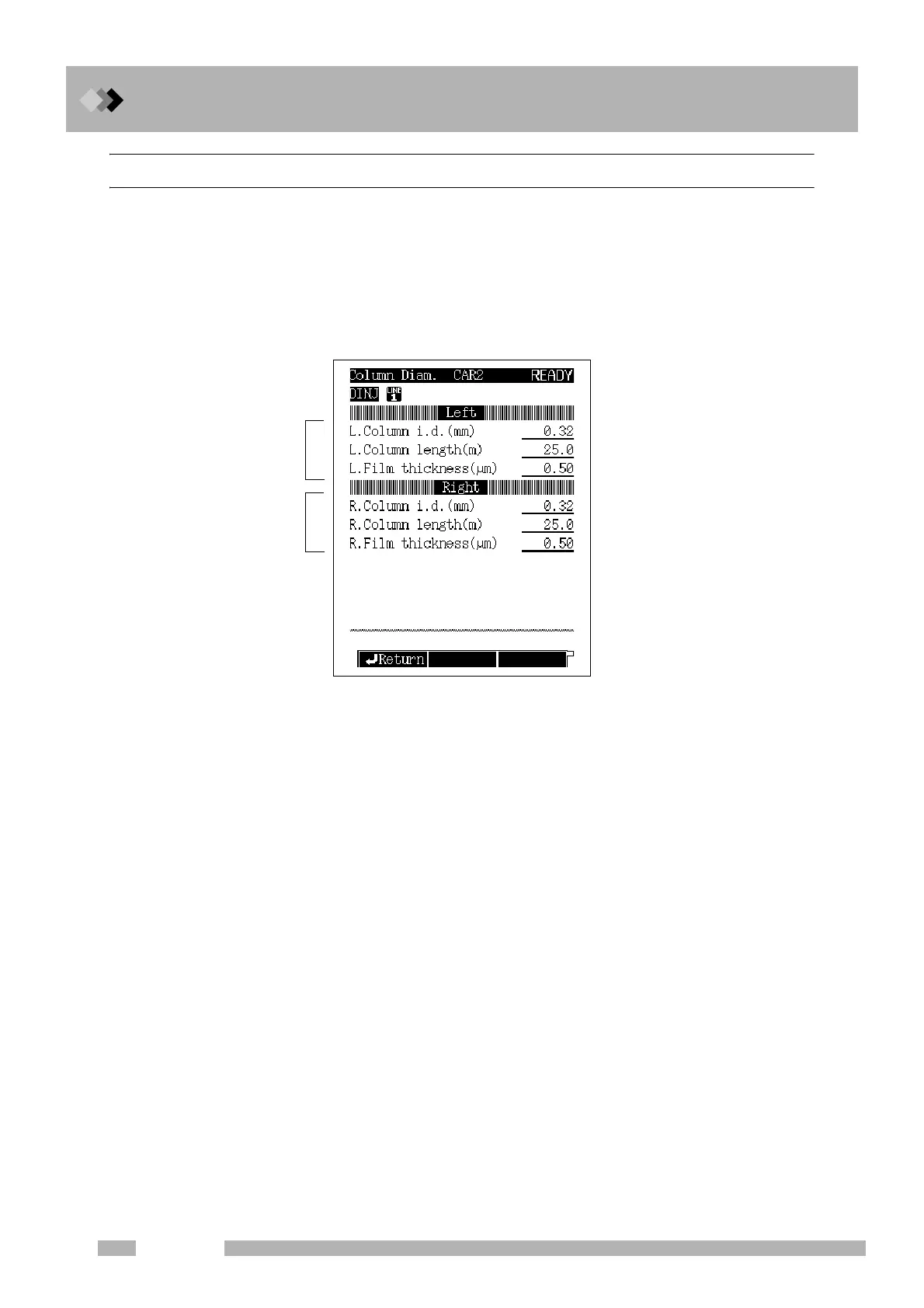
Select [Column] (PF menu) on the [FLOW] key main screen to display the screen
shown in Fig. 12.1.4.
12.1.3.2 Parameter list
COLUMN I.D. (internal diameter)
Range: 0.01−6.00 mm, Default: 0.32 mm
COLUMN LENGTH
Range: 0.1−250.0 m, Default: 25.0 m
FILM THICKNESS
Range: 0.00−300.00 μm, Default: 0.50 μm
Fig. 12.1.4 Column parameters entering screen
Dimensions of a column
connected to the left inlet
Dimensions of a column
connected to the right inlet



 To Next Page
 Loading...









