2 Before Use
2.3 Outputting Digital Signals to a Personal Computer
24
GC-2014
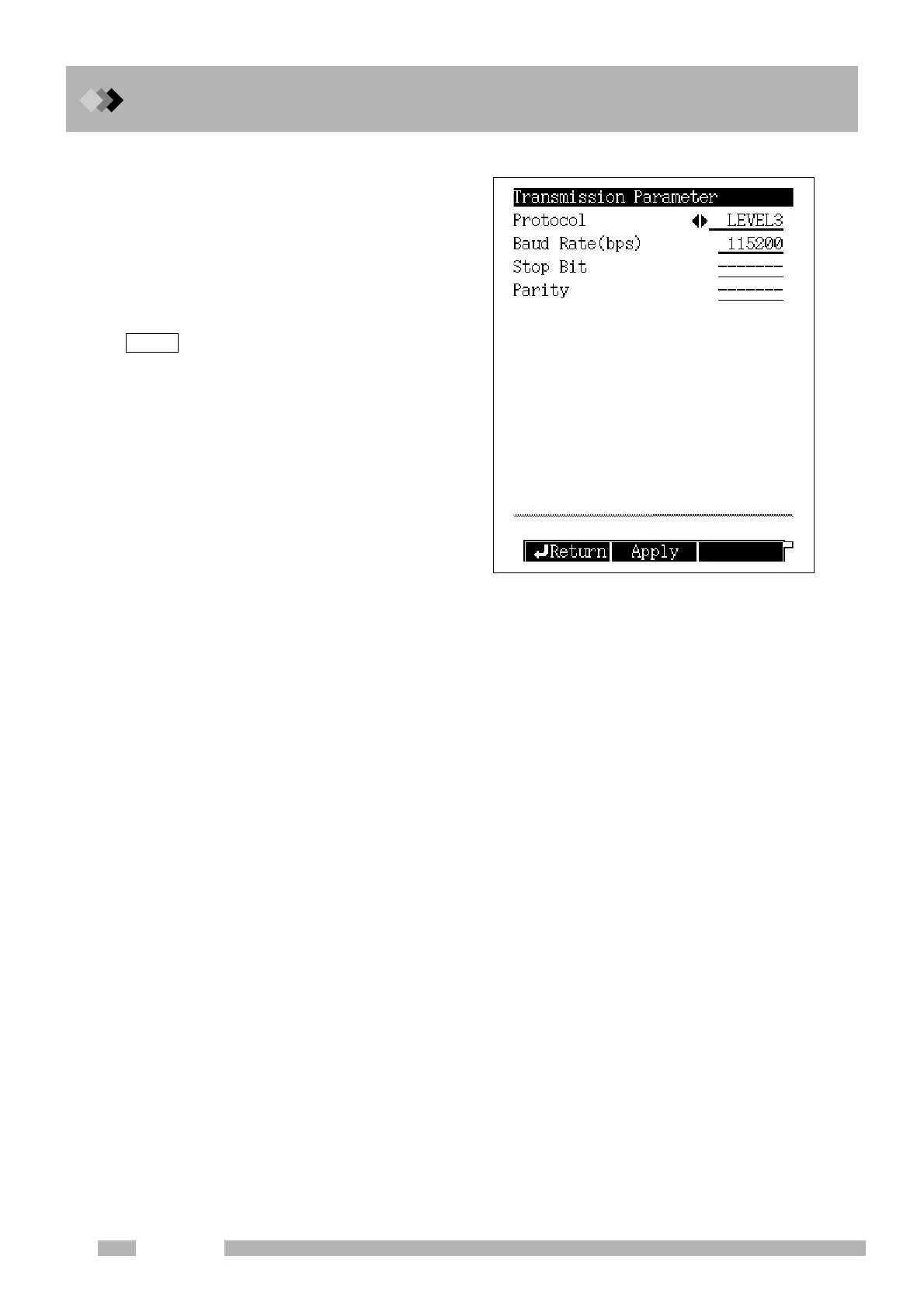
■ Setting transmission parameters
(1) Select “6. GC CONFIGURATION” on
the [FUNC] key screen and then select
“3. TRANSMISSION PARAMETER.”
(2) Set transmission parameters.
Protocol = LEVEL3
Baud rate (bps) = 115200
(3) Press the [PF2] key (Apply).
Turning ON the power of the GC is not
necessary.
NOTE



 To Next Page
 Loading...









