3 Installing Packed Columns and Setting Analytical Flow Lines
3.4 Packed TCD Analysis
41
GC-2014
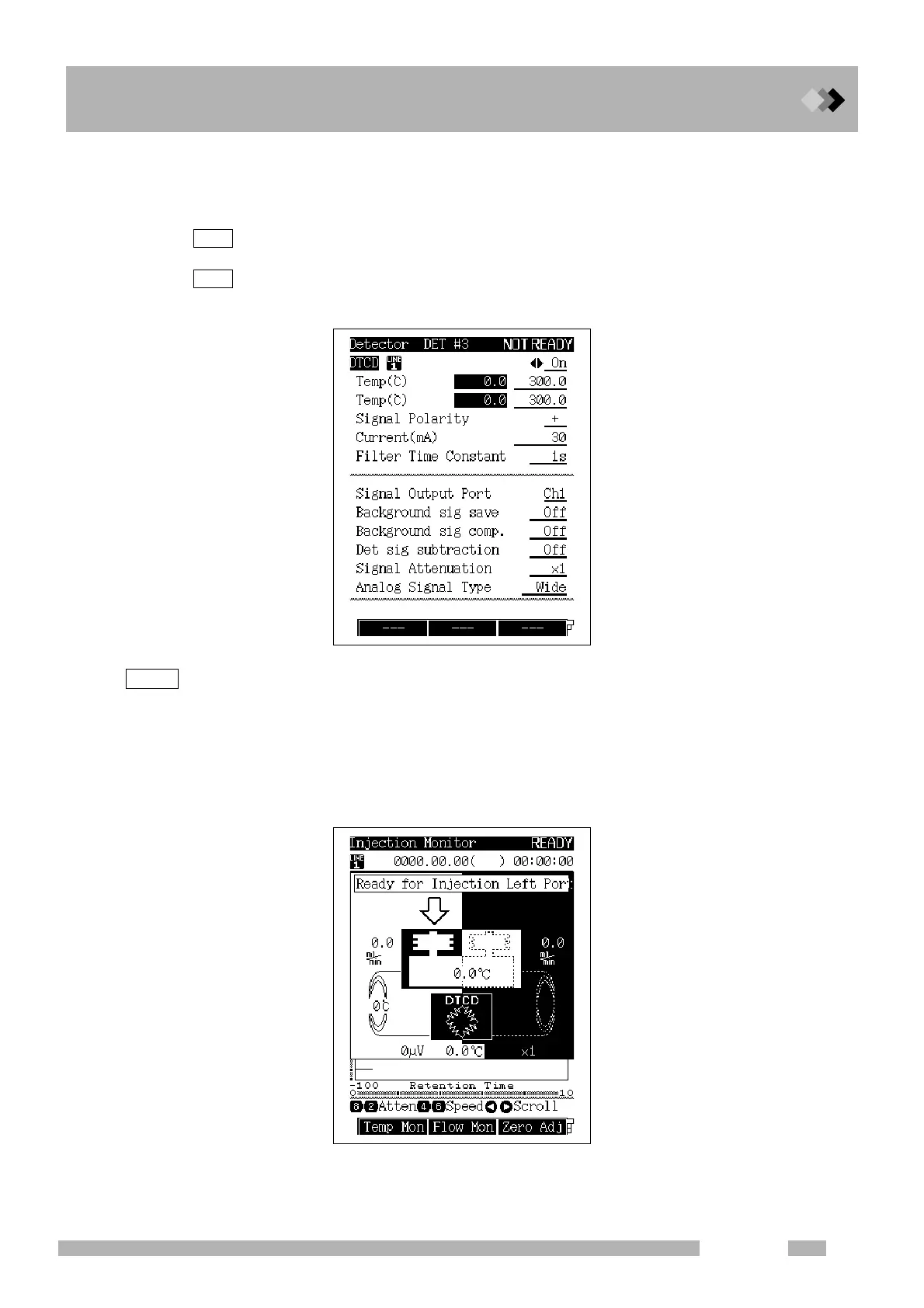
3. Set the TCD.
(1) Press the [DET] key.
(2) Set “Signal polarity” as described below.
: The TCD (L) - TCD (R) signal is outputted.
(When a sample, which a plus peak is detected, is injected into the dual INJ (L))
: The TCD (R) - TCD (L) signal is outputted.
(When a sample, which a plus peak is detected, is injected into the dual INJ (R))
TCD signals do not necessarily have a plus peak because they are determined by relationship of heat
conduction between a substance to be analyzed and carrier gas. However, the data processing unit
normally calculates the area of a plus peak. When a minus peak is detected, “signal polarity” needs to
be inverted into a plus peak. In this case, inject a sample into the opposite inlet of the one instructed on
the popup screen shown below.
“Signal polarity” can be changed using the time program during analysis. (For detailed descriptions
about setting the time program, refer to
“16.3 Time Program”)
+
-
NOTE



 To Next Page
 Loading...









