Vista Digital Mixing System
1-6 Introduction SW V3.3 Date printed: 05.08.03
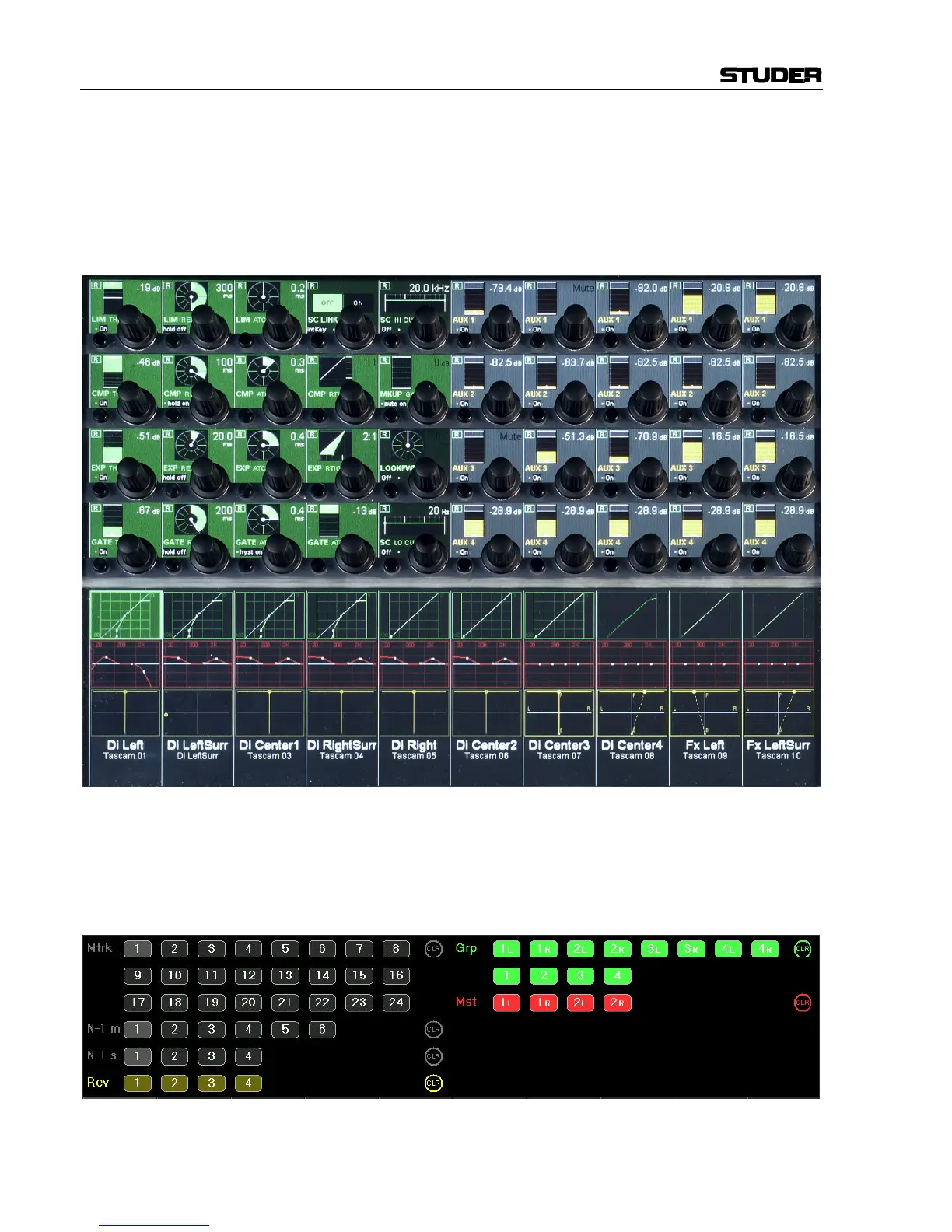
Local Views By touching the graphics shown below the Vistonics™ rotary controls, the
whole parameter set of that specific curve is displayed, also covering some
of the neighboring channel strips. It is also possible to touch any two
curves in one bay in order to display both at the same time.
The example below shows the complete dynamics section of the leftmost
channel (the small dynamics view is highlighted), overlaid to a global
AUX view.
This philosophy is completed by three hardware keys underneath the Vis-
tonics™ display, showing different combinations of parameters as well as
the bus assignment of that specific channel, covering the whole Viston-
ics™ area.
Bus Assign View: (here, channels can directly be assigned to a bus)



 To Next Page