Vista Digital Mixing System
Date printed: 05.08.03 SW V3.3 Introduction 1-5
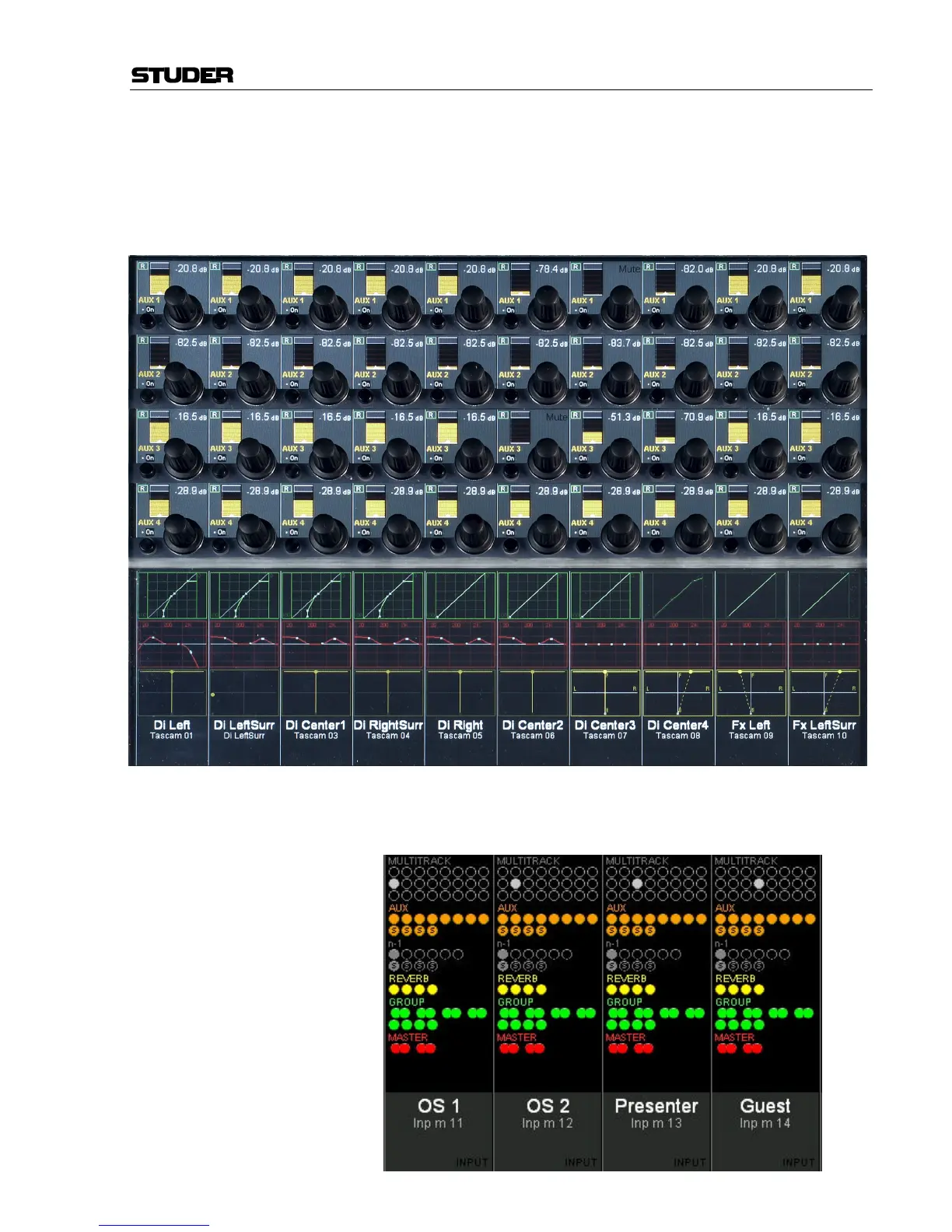
Global Views Up to four different parameters are shown in each channel strip. The same
four parameters will be shown globally on the whole console. However,
there is one exception: The four parameters may be different on “locked
bays” (see description of Locked Bays for details). This mode is meant to
be the “horizontal way of operation”, mostly used for e.g. operating auxil-
iaries or input settings. The picture below shows a global AUX 1...4 view.
The touch screen area is also used for indication and operation of bus as-
signment:
Bus Assign Overview:



 To Next Page