Vista Digital Mixing System
12 Software V4.1 SW V4.1 Date printed: 20.08.09
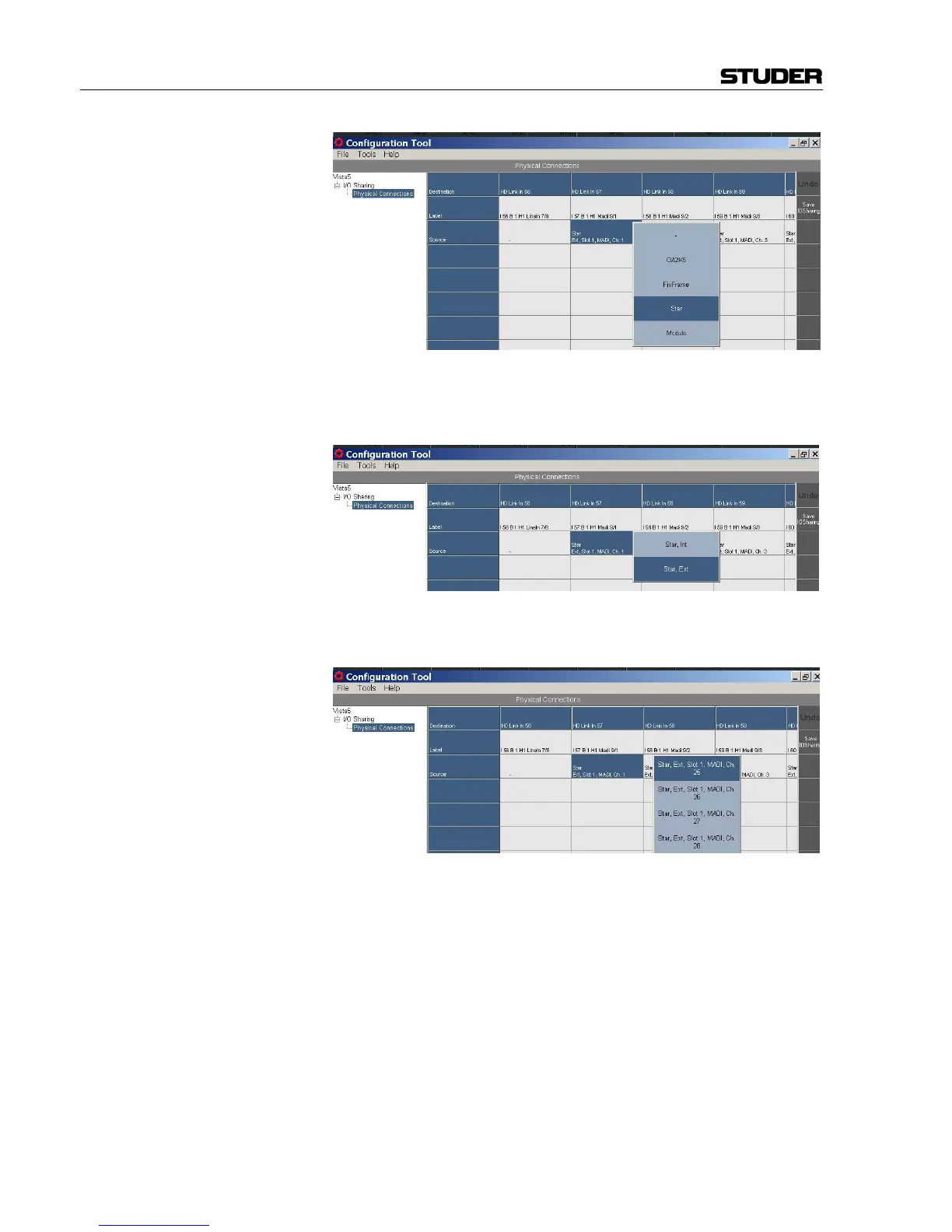
In the next step a D21m frame is selected (the external frame Ext in our
example:
Now select the appropriate interfaces (e.g. MADI), one by one, for every
single physical audio connection.
When finished, click the Save IO Sharing button at the right-hand edge
of the Configuration Tool GUI.
This procedure only needs to be done once, during system setup. All these
tie line configuration settings are saved on the consumer side and will re-
main after a system restart.



 To Next Page