3-44 PN: 10580-00343 Rev. H S820E UG
3-7 Measurement Setup Cable and Antenna Measurements
Tracking Markers
A tracking marker is set to a peak or to a valley. As the peak (or valley) varies
in the measurement trace, the tracking marker stays at the peak (or valley).
Any marker can be set for tracking from the Marker Search menu. When set
to Tracking, the marker number is displayed inside a triangle rather than a
rectangle. For a Tracking marker set for Marker To Peak, the apex of the
triangle points upward. For a Tracking marker set for Marker To Valley, the
apex of the triangle points downward.
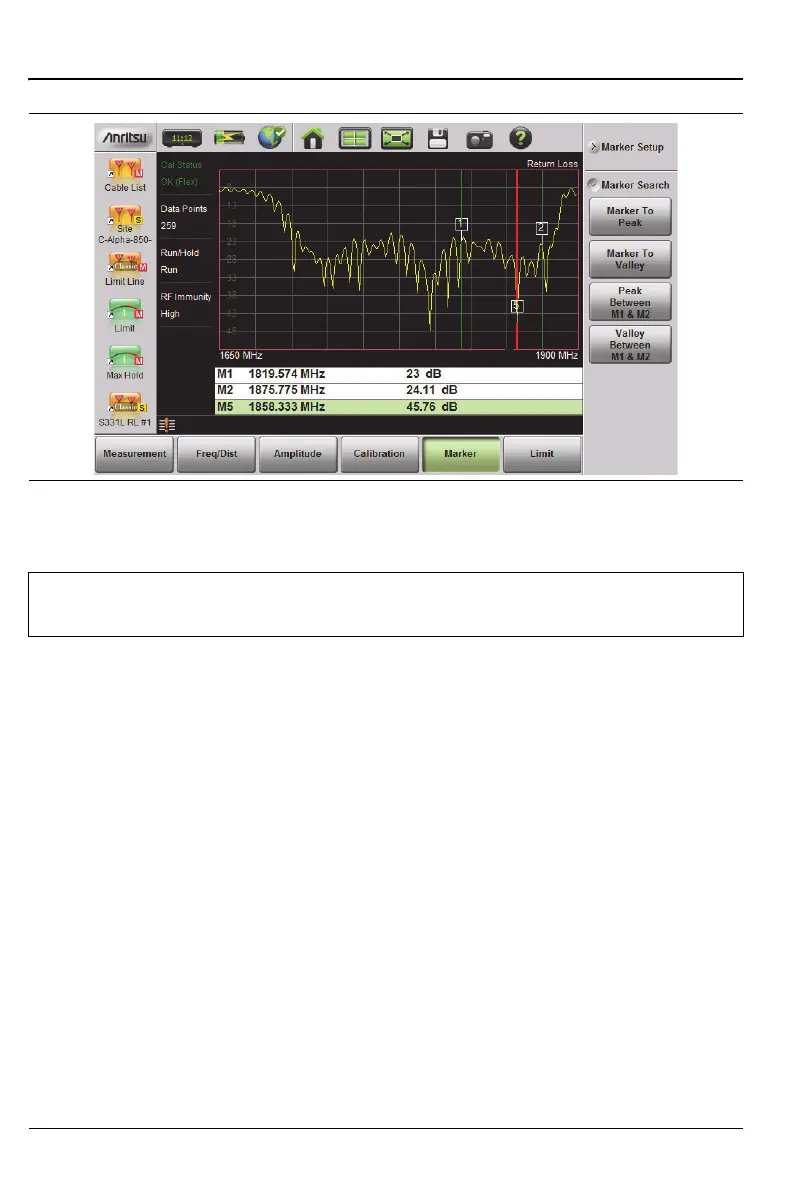
The markers that can be set for Peak Between can also be Tracking markers
that are bounded by M1 and M2 or by M3 and M4.
Tracking markers can be especially helpful for specific measurements, such
as tuning and testing filters or antennas.
Figure 3-26. Bounded Marker Search
Note
Searching for peaks or valleys turns on any required markers and
places them in the default locations.











 To Next Page