10-22 PN: 10580-00343 Rev. H S820E UG
10-7 Copy and Paste Files File Management
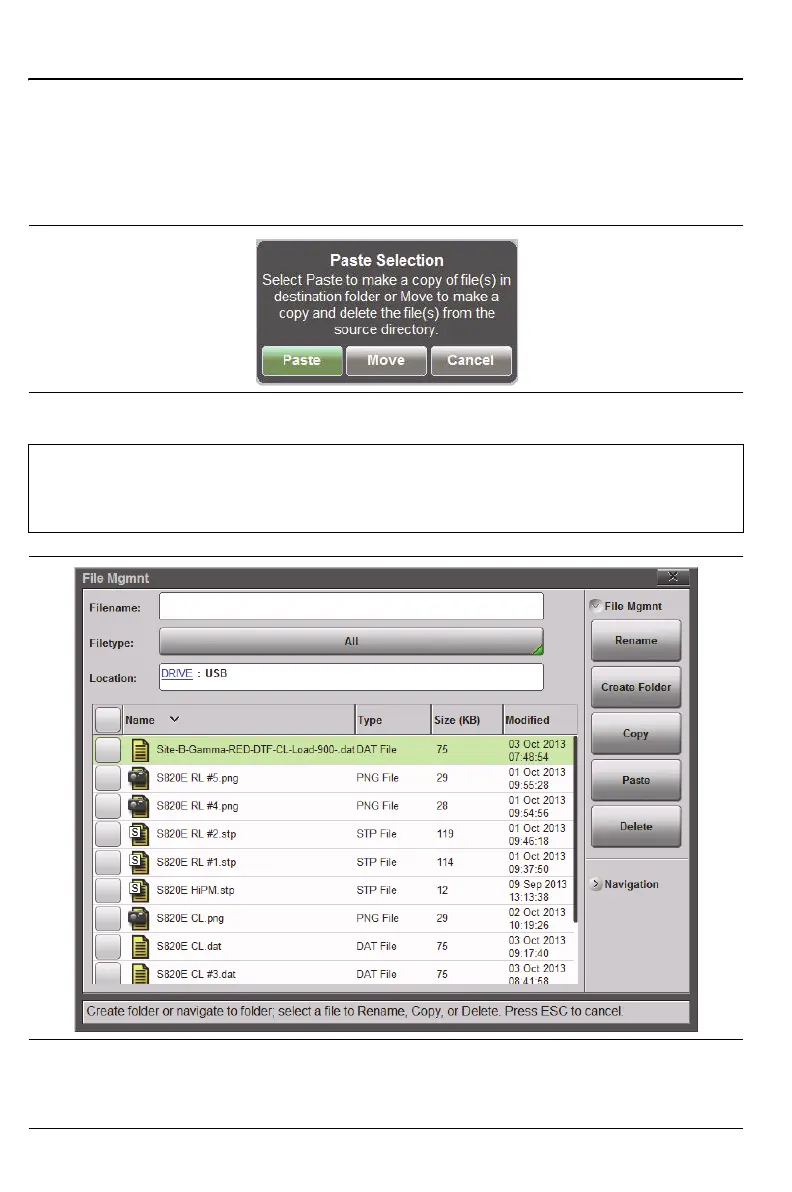
6. Select Paste to copy the selected files and folders from Internal memory
to the USB drive (Figure 10-21) or to Move the files (which copies the
files to the new destination and then deletes them from the original
destination). The choice of copy or move is made using the message box
that appears after the Paste button is pressed (Figure 10-20).
Figure 10-20.Paste Selection Dialog Box
Note
Copy, Paste, Delete, and Create Folder buttons are duplicated
under File Mgmnt, Recall, and Save submenus for your
convenience.
Figure 10-21.Files Pasted to the External USB Drive











 To Next Page