S820E UG PN: 10580-00343 Rev. H 11-9
System Operations 11-4 Help Menu
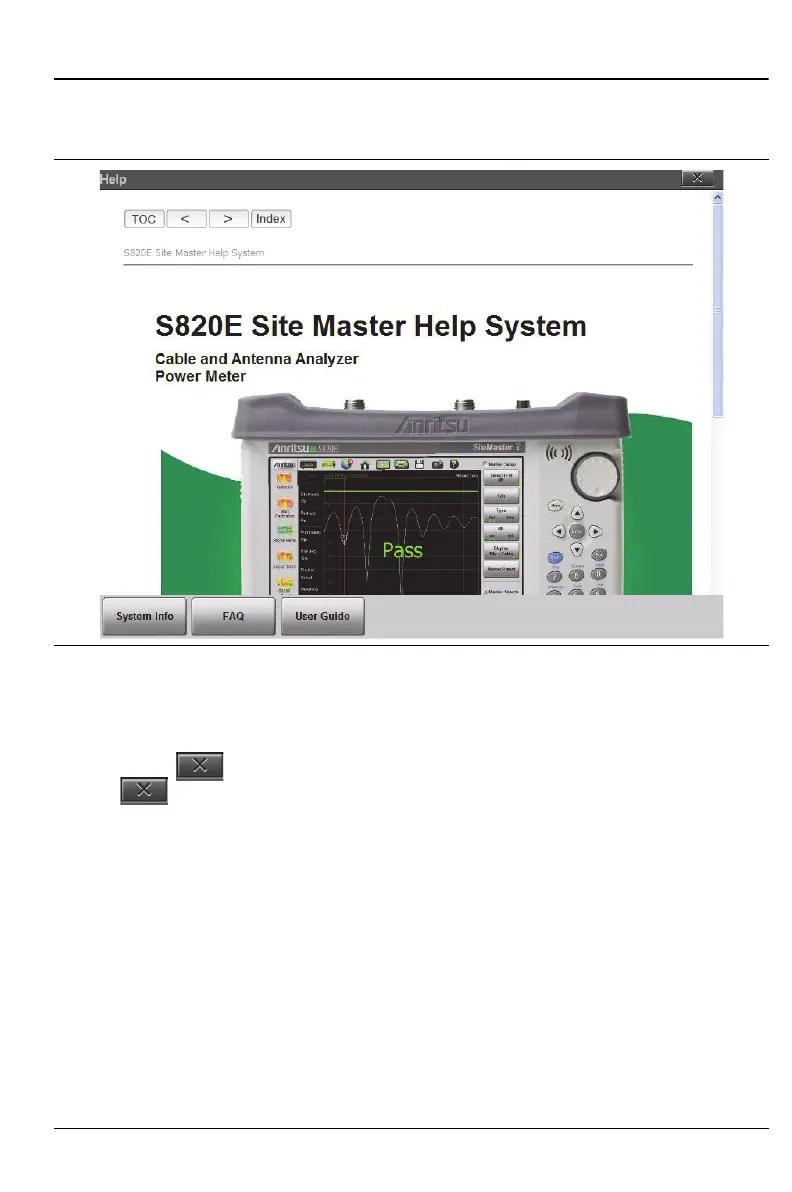
From the main help screen, press the User Guide button to display the
instrument User Guide onscreen. (See Figure 11-7).
Each page in the User Guide displays navigation buttons and bread crumbs.
Links to the TOC and a compiled index are also available.
Press Esc or to close and to return to the main help menu screen. Press
Esc or a second time to exit the help menu.
Figure 11-7. User Guide











 To Next Page