S820E UG PN: 10580-00343 Rev. H 11-11
System Operations 11-5 Updating the Site Master Firmware
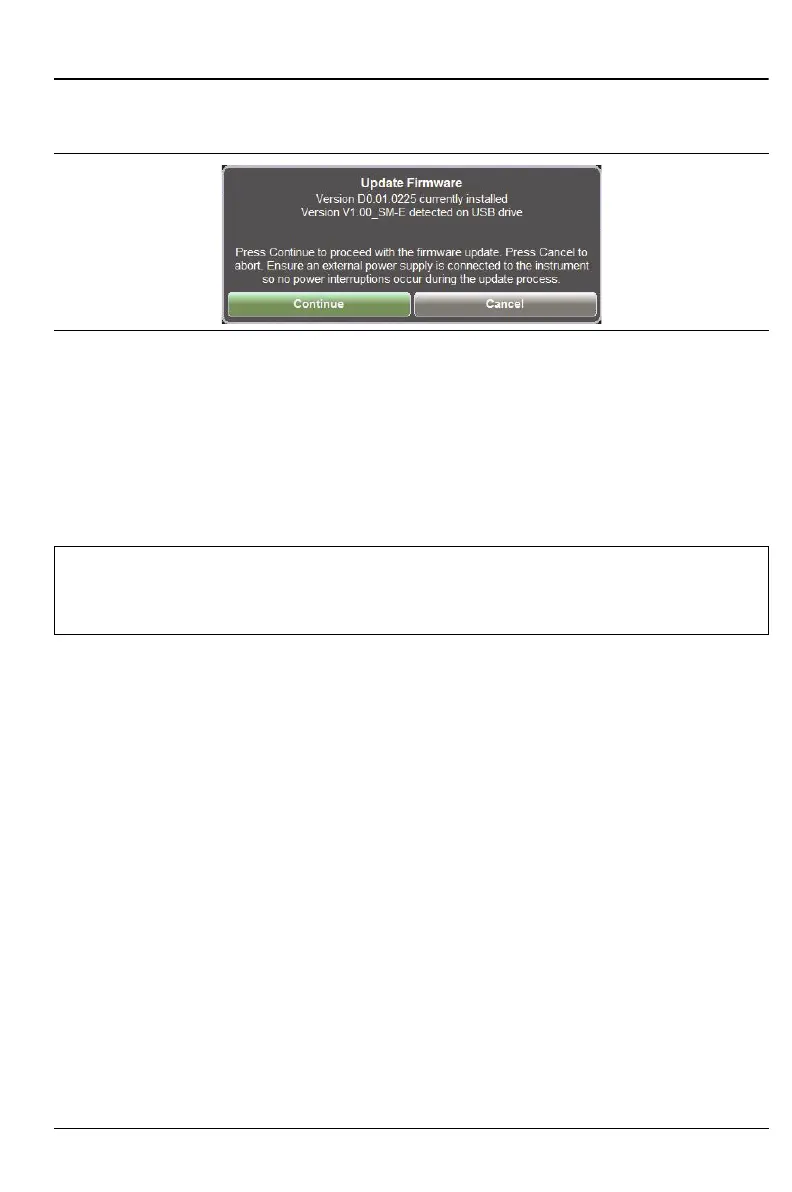
7. Under the Reset submenu press Update Firmware. The Update
Firmware dialog (Figure 11-8 on page 11-11) appears.
8. Select CONTINUE to begin the firmware update or CANCEL to cancel.
9. After the update is complete, the instrument will power down and
restart to complete the firmware update.
10. Software version information is displayed in the System Status dialog
box. See Figure 11-5 on page 11-6.
Figure 11-8. Update Firmware Message
Warning
Do not remove power or turn off the instrument during the
firmware update to avoid potential serious damage to the
instrument.











 To Next Page