2-10 PN: 10580-00343 Rev. H S820E UG
2-4 Front Panel Overview Instrument Overview
Allows you to save, recall, copy, and delete files in internal
memory or an external USB flash drive. Refer to
“File Management” on page 10-1.
Opens the System menu and provides access to System
Information, System Setups, and Diagnostic tools. Refer to
“System Operations” on page 11-1 for additional information.
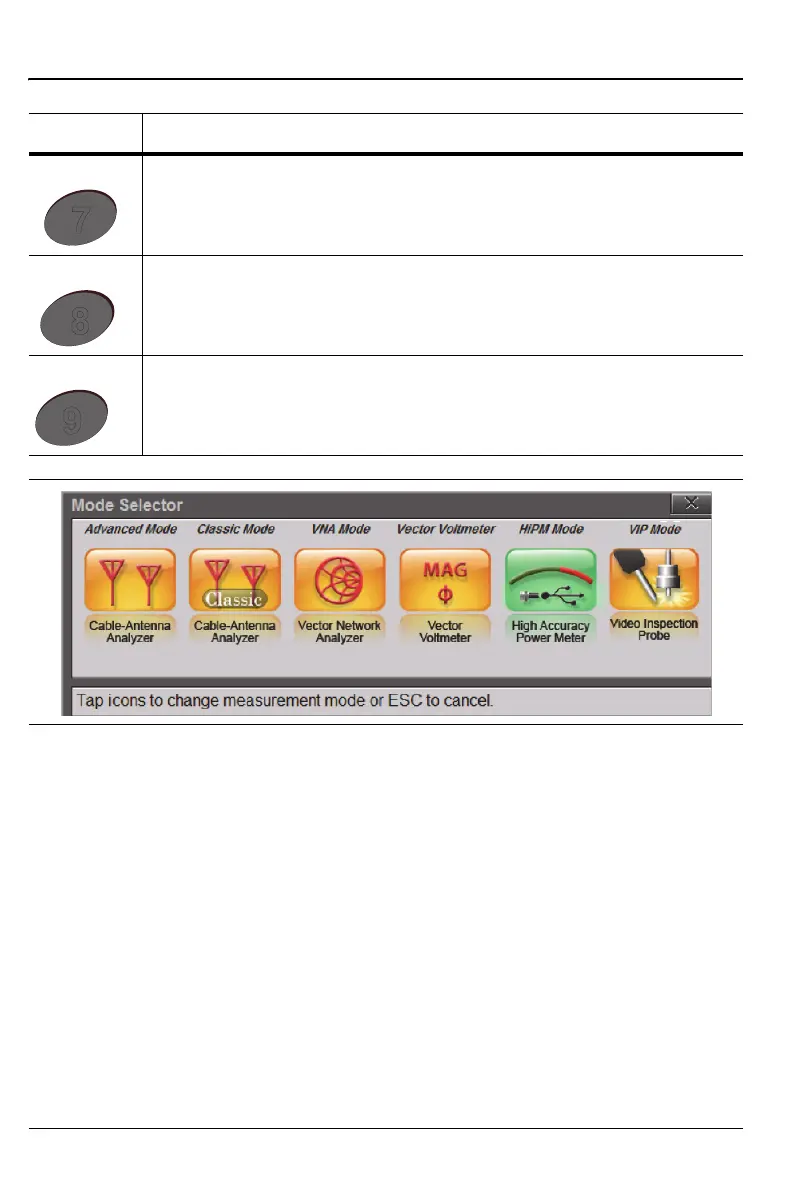
Displays the Mode Selector dialog box to allow you to easily switch
between available measurement modes. See Figure 2-4.
Figure 2-4. Mode Selector
Table 2-1. Site Master Keypad Functions (2 of 2)
Menu Description











 To Next Page