3-20 Starling Monitor - User Guide
Home Screen
Controlling the Real-time Values Display
The Real-time Values display controls and viewing options can be utilized as follows:
Add or Remove a Value, or drag a Value to a new position.
Refer to the previously-described instructions for Controlling the Trends Display.
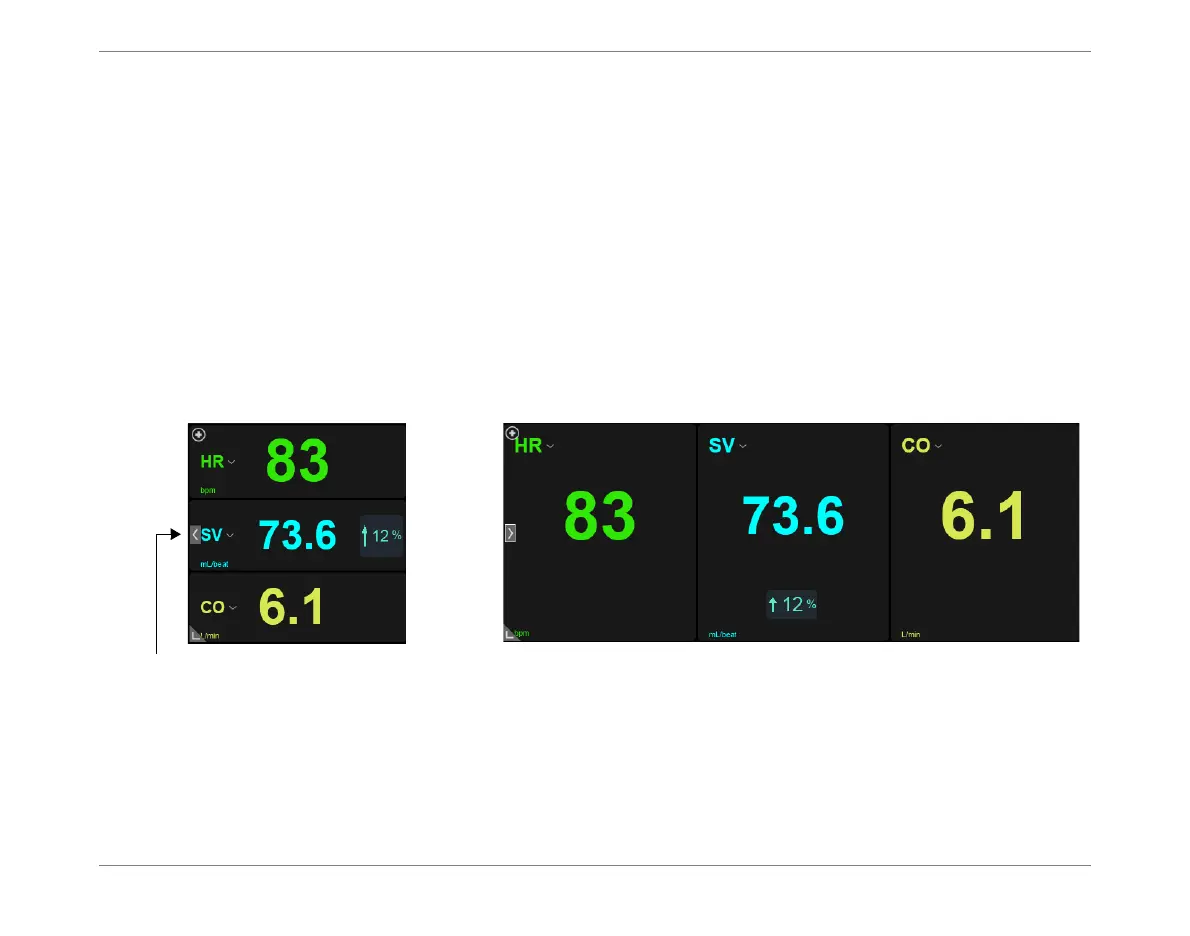
View Real-time Values at Full-width (Figure 3-13).
View Real-time Values at Full-screen (Figure 3-14).
Expand/Collapse Full-Width View
Tap icon on
left
(see Figure 3-13) to expand Values to full-width view.
Tap again to collapse view.
Figure 3-13 Parameter Values Area - Collapsed and Full-With Views













 To Next Page