©2020 Baxter International Inc. 5- 21
Monitoring a Patient
Entering an SPO
2
Measurement
An arterial blood oxygenation (SPO
2
) measurement (acquired from an External Patient Monitor)
may be entered manually by the user, as described below.
To Enter an SPO
2
Measurement
1. Access the Main Menu, then from
Session Controls & Settings
(SPO
2
sub-menu), tap
Enter SPO2
OR
From the SPO
2
parameter, open the SPO
2
drop-down menu, then tap Enter SPO2
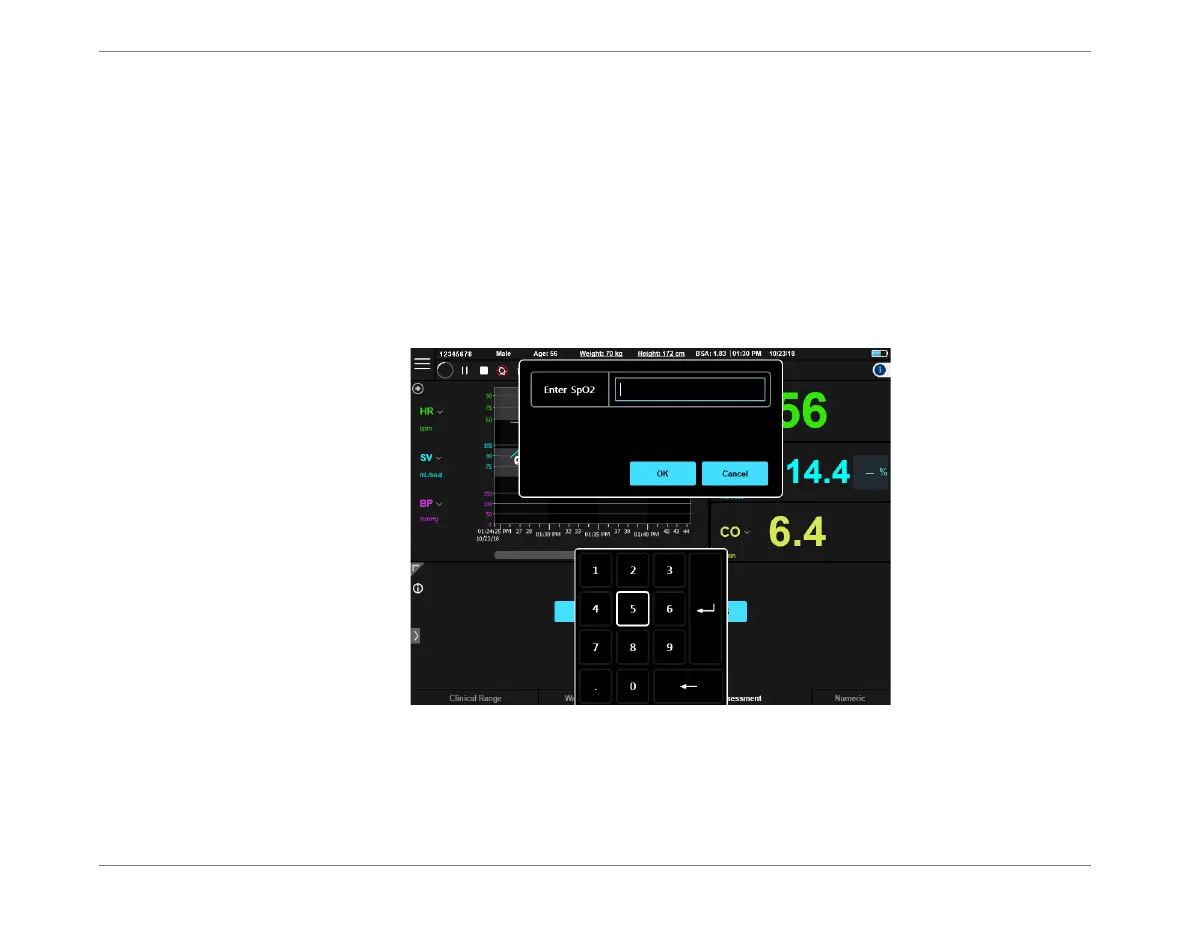
The Enter SPO
2
dialog box opens -Figure 5-20.
2. Enter the acquired the SPO
2
measurement, then tap OK to close the dialog box.
The SPO
2
measurement is now displayed on the screen. The displayed value is labeled
(User), indicating it was entered by the user.
Note
DO
2
I results will be received if the Hgb measurement was entered before the SPO
2
measurement.
Figure 5-20 Enter SPO
2
Dialog Box













 To Next Page