©2020 Baxter International Inc. 5- 25
Monitoring a Patient
Adding an Event Manually
In addition to Automatic Events (automatically added to the Trends area as previously
described in Chapter 3) the Starling system provides the user with the option to add Events
manually, as required. Each Manual Event is displayed as a green vertical line on the Trends
area (see the example in Figure 3-10 on page 3-17).
A Manual Event, which can be added from the Trends area, the Numeric display, or via the Main
Menu, is chosen from one of four categories (
Drugs, Events, Fluids, Other
), as described below.
Note
For a list of pre-defined Events in each category, refer to Table 5-1 on page 5-31.
To Add an Event Manually
1. Access the Main menu, then from
Events
, choose Add an Event
OR
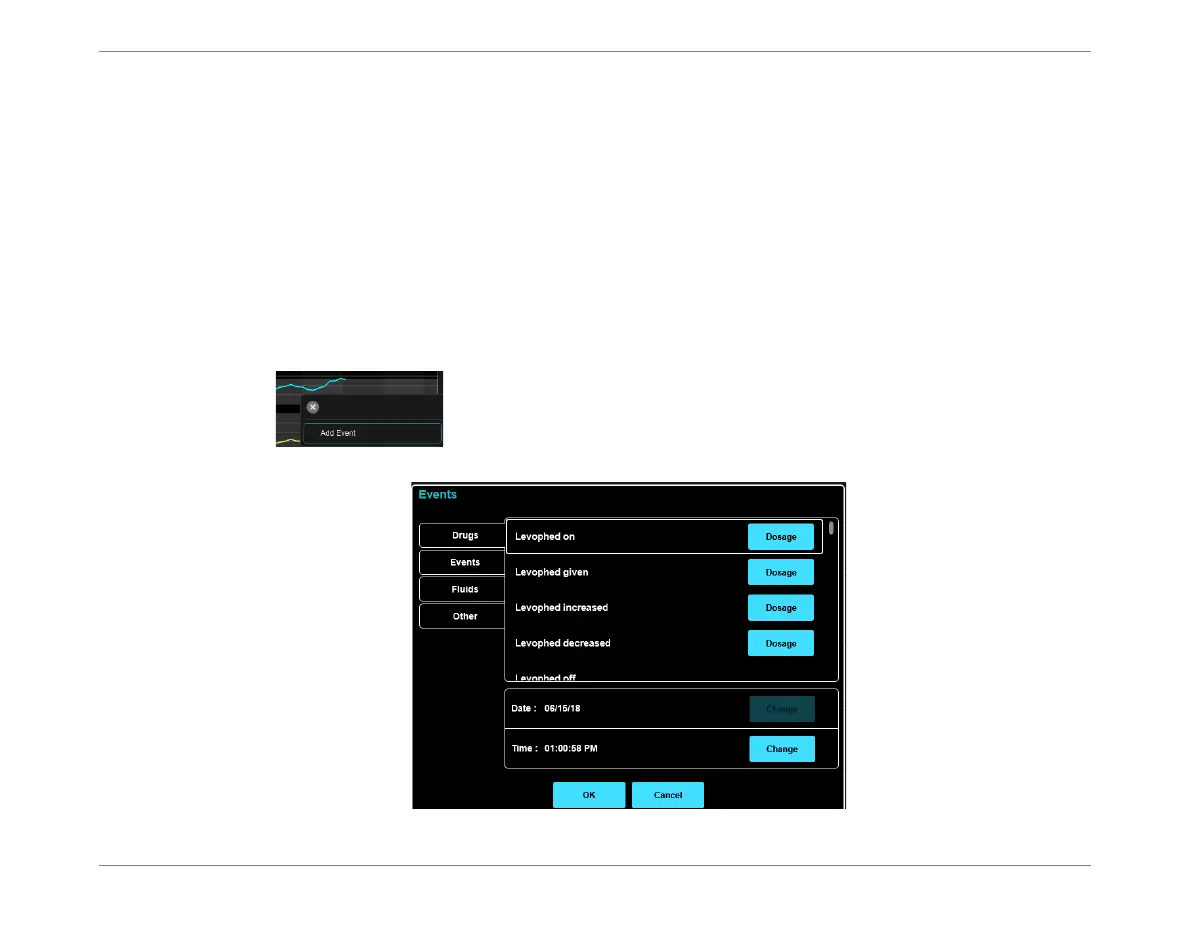
Tap in the Trends area or Numeric display, then tap Add Event:
The Events dialog box opens.
Figure 5-23 Events Dialog Box - Drugs Tab













 To Next Page