©2020 Baxter International Inc. 4- 7
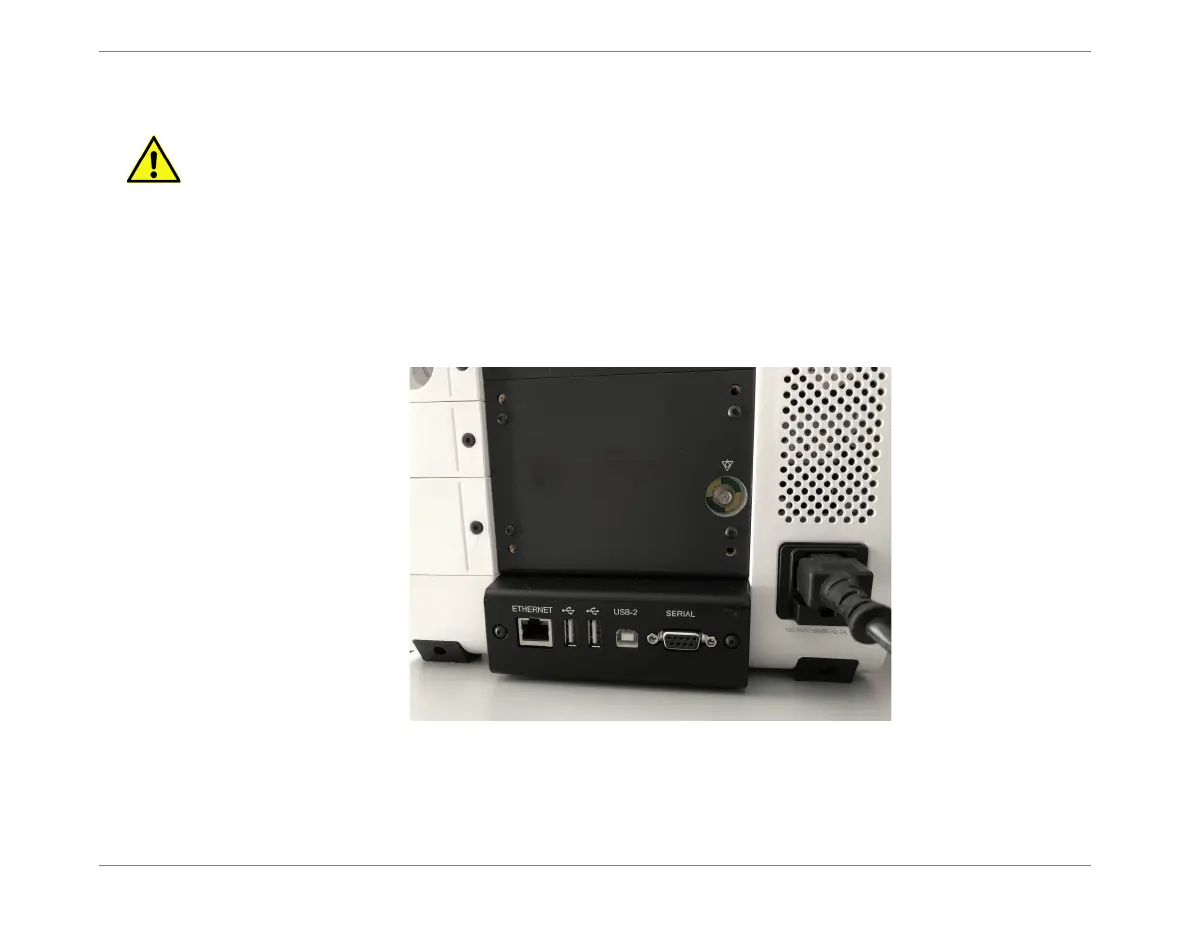
Connecting the AC Power Cable
Connecting the AC Power Cable
To Connect the AC Power Cable
1. Plug the AC power cable into the power input socket on the Monitor rear panel.
2. Plug the other end of the AC power cable into the mains power wall outlet.
3. Proceed to the instructions for Turning ON Power to the Monitor.
WARNING
When connecting the Monitor to AC power, make sure the provided voltage is in the
allowed range.
Use ONLY the AC power cable supplied with the Monitor and, to ensure proper grounding,
connect to a receptacle marked HOSPITAL ONLY or HOSPITAL GRADE.
Figure 4-4 Connecting the AC Power Cable to the Monitor













 To Next Page