©2020 Baxter International Inc. 3- 3
Introduction to the Touch Screen Display and Controls
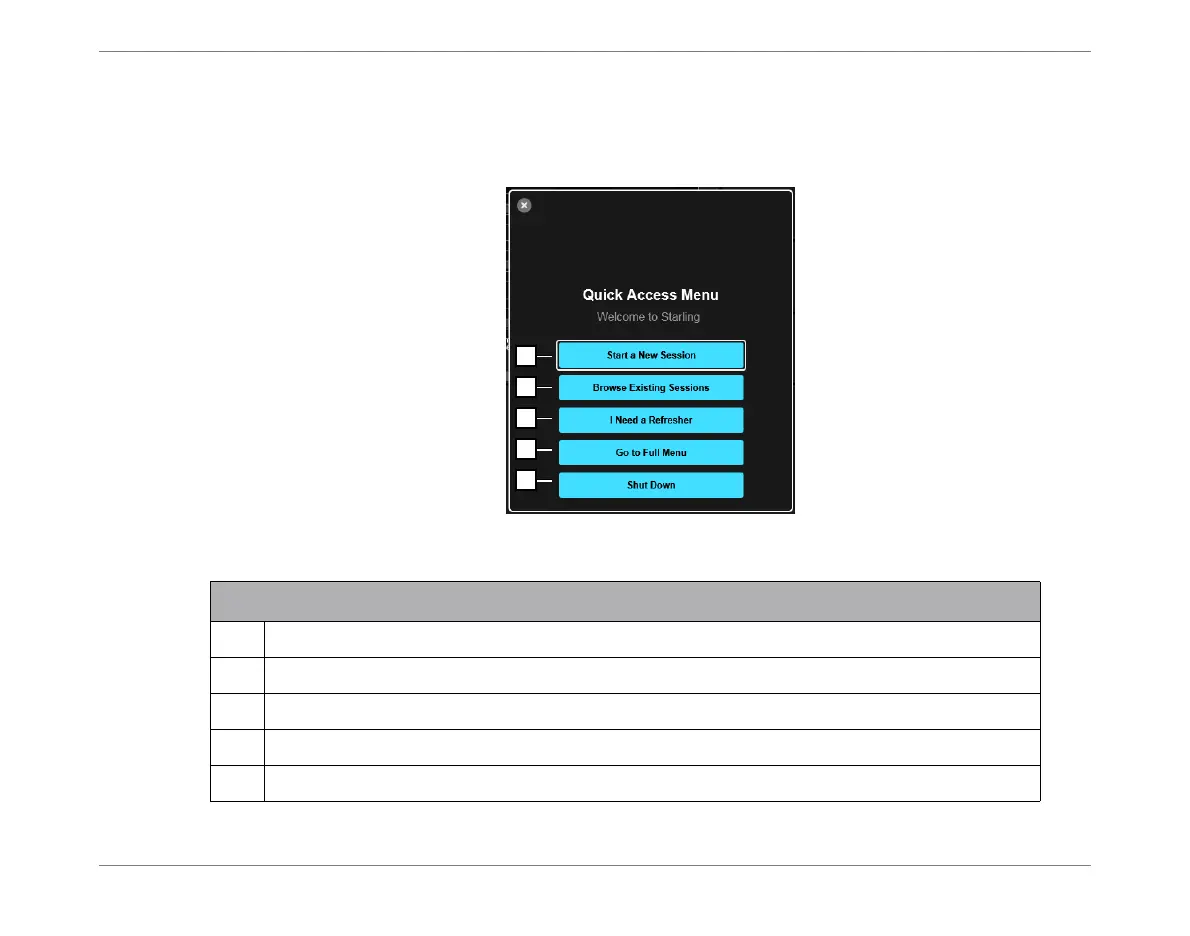
Quick Access Menu
The Quick Access Menu is displayed at system startup. Also, whenever pressing the Main Menu
Button on the Operator Panel (page 2-15) — providing no
active
Monitoring Session in progress.
Figure 3-1 Quick Access Menu
Legend Figure 3-1
1
Used to Start a new Monitoring Session (opens the Patient Management window).
2
Opens Patient Management window - see Figure 3-23.
3
Opens Help menu - for list of topics, see Help Menu on page 3-10.
4
Opens Main menu - see Figure 3-3.
5
Used to perform System Shutdown. See System Shutdown Procedure on page 4-13.













 To Next Page