4-12 Starling Monitor - User Guide
System Startup Procedure
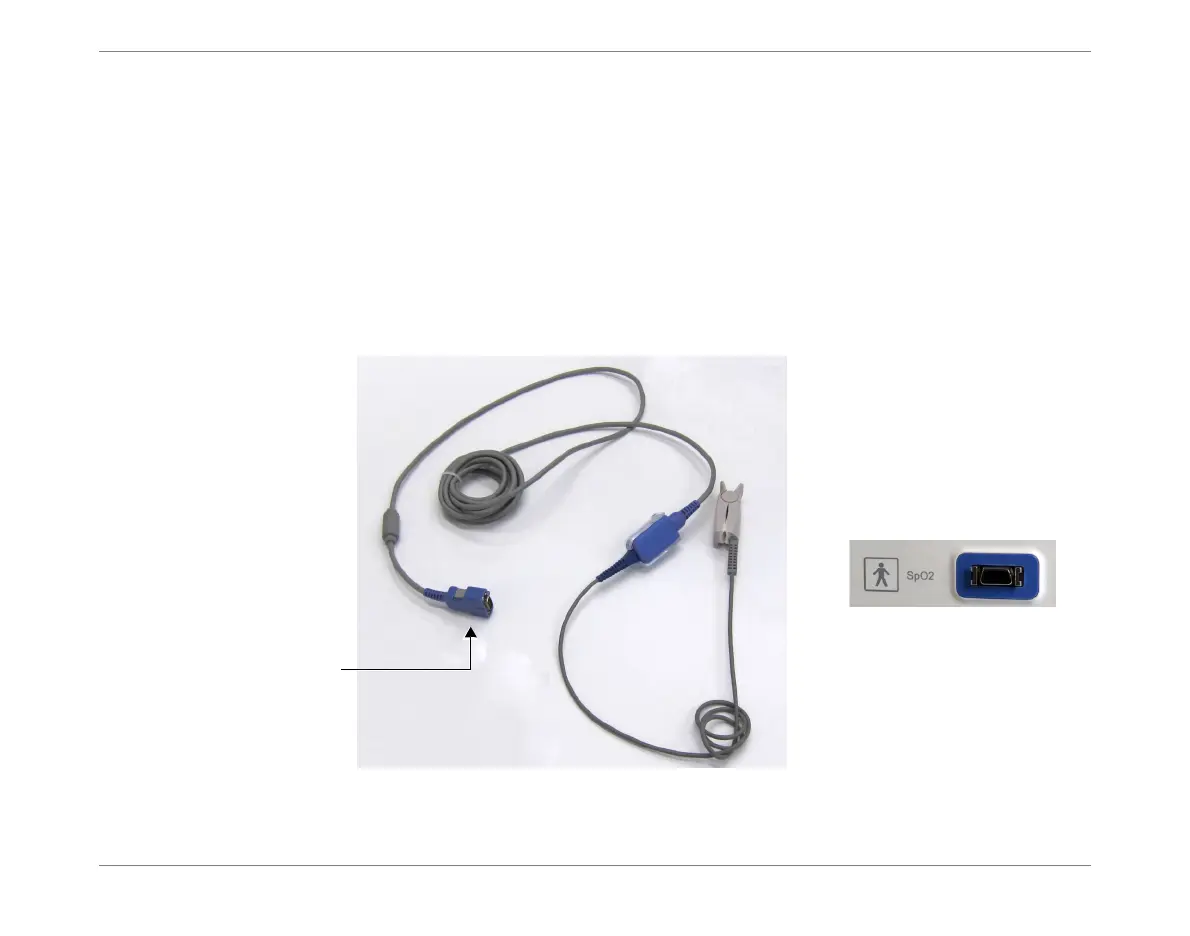
Connecting the SpO
2
Cable to the Monitor
Note
The SPO
2
cable has a multi-pin connector customized for connection to the SpO
2
connection
socket.
To Connect the SpO
2
Cable
1. Holding the cable in one hand, position it for correct orientation of the pins
(Figure 4-9).
2. Carefully push the connector into the socket, until fully inserted.
Figure 4-9 Connecting the SpO
2
Cable
Multi-pin
connector
SpO
2
Connector on Monitor













 To Next Page