5-12 Starling Monitor - User Guide
Monitoring a Patient
Note
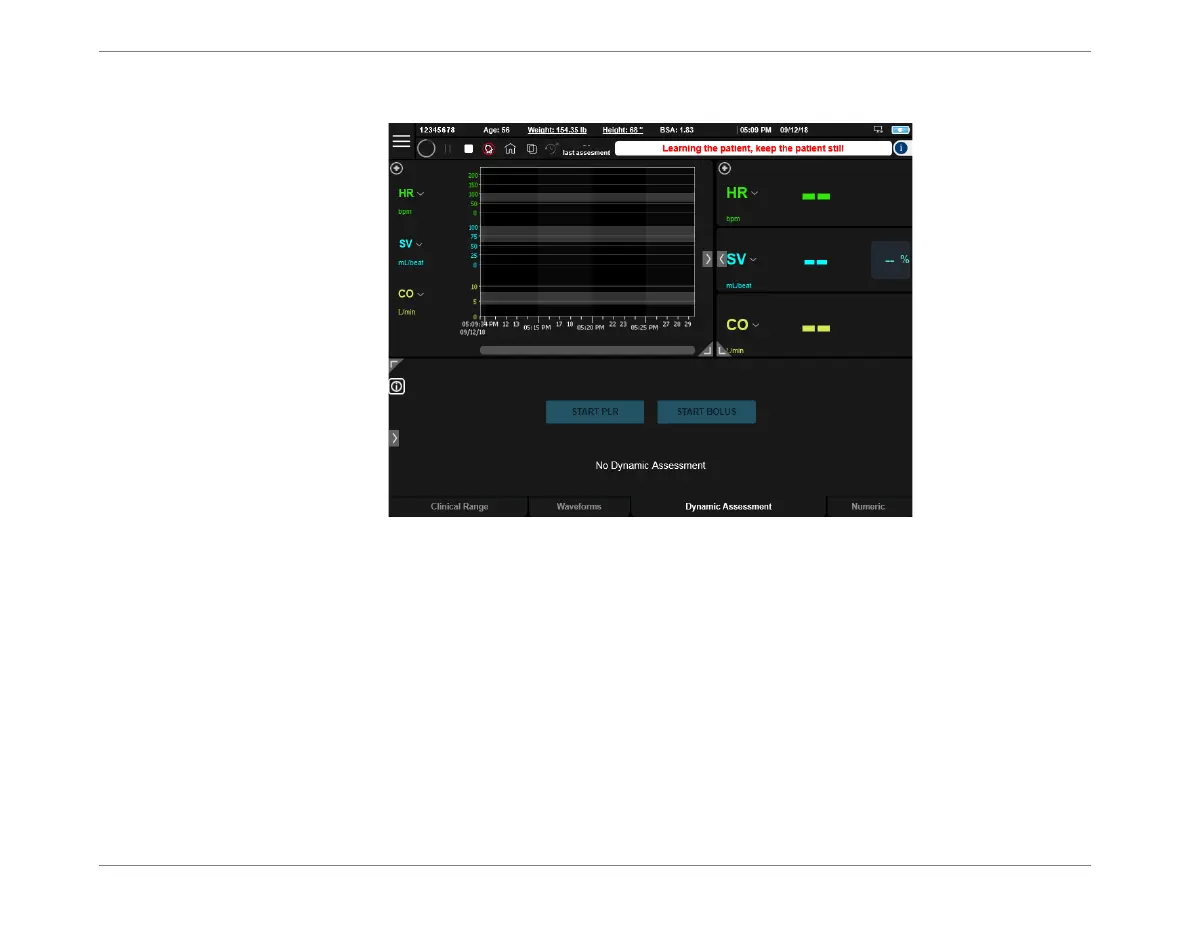
The message "Learning the patient, keep the patient still" is displayed.
5. Ensure the patient does not move, until the message is no longer displayed
(~ 1 minute).
Monitoring commences; the Monitoring screen now displays acquired monitoring
data, as seen in the example in Figure 5-10.
6. Proceed to view the monitored data - see Viewing an Active Monitoring Session.
The system is now ready for Performing a Dynamic Assessment Test, as required.
Figure 5-9 Home Screen - Monitoring Session Initial Display













 To Next Page