4-4 Starling Monitor - User Guide
Positioning the Starling Monitor
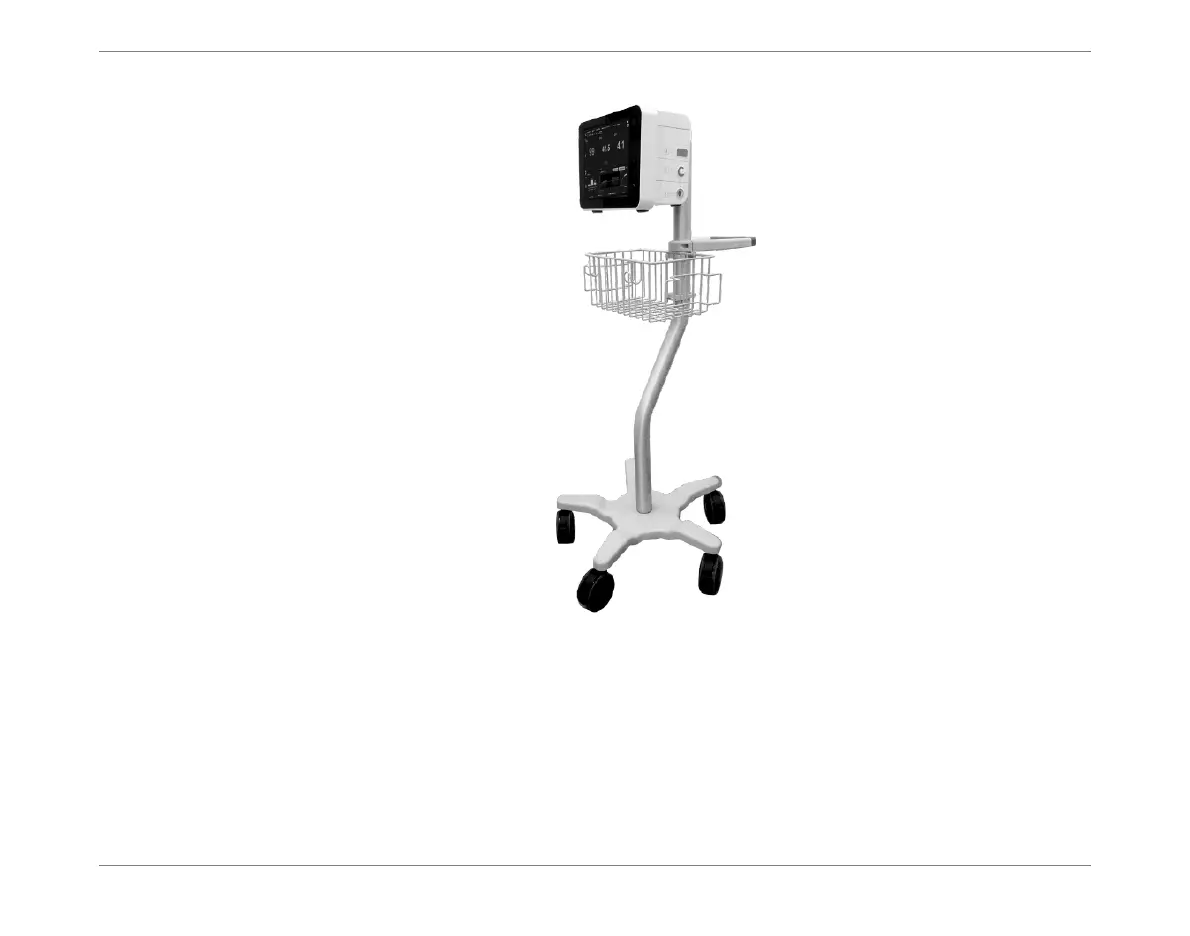
6. Release the locking brakes and move the Roll Stand into the required position in
proximity to the patient. Make sure it is standing on a level surface, then lock the
brakes again to prevent movement.
7. Ensure the Monitor/Roll Stand assembly is positioned in accordance with the
Recommended Guidelines for Monitor Positioning.
8. Proceed to connect cables to the Monitor, as required.
Figure 4-2 Starling Monitor Secured on the Roll Stand













 To Next Page