©2020 Baxter International Inc. 3- 15
Home Screen
Trends area - Zoom view
For a closer view of a
specific
area of the Trends, use two fingers to pinch open the view;
when done, pinch closed to zoom back out.
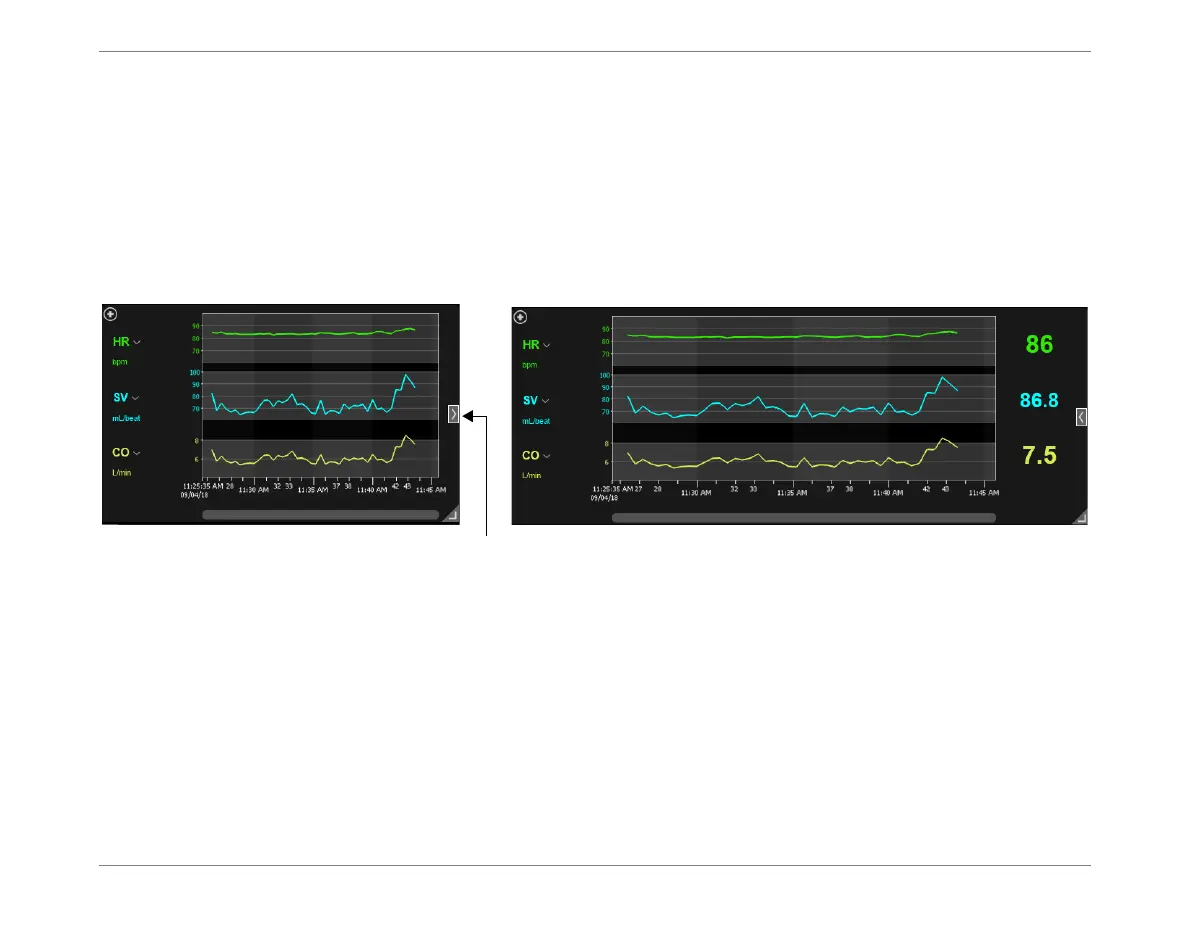
Expand/Collapse Full-Width View
Tap icon on
right
(see Figure 3-8) to expand Trends to full-width view.
Tap again to collapse view.
Figure 3-8 Trends Area - Collapsed and Full-Width Views













 To Next Page