©2020 Baxter International Inc. 3- 29
Patient Management Window
Function Buttons
Using the various buttons available in the Patient Management screens enable the user to
perform the functions outlined in Table 3-2.
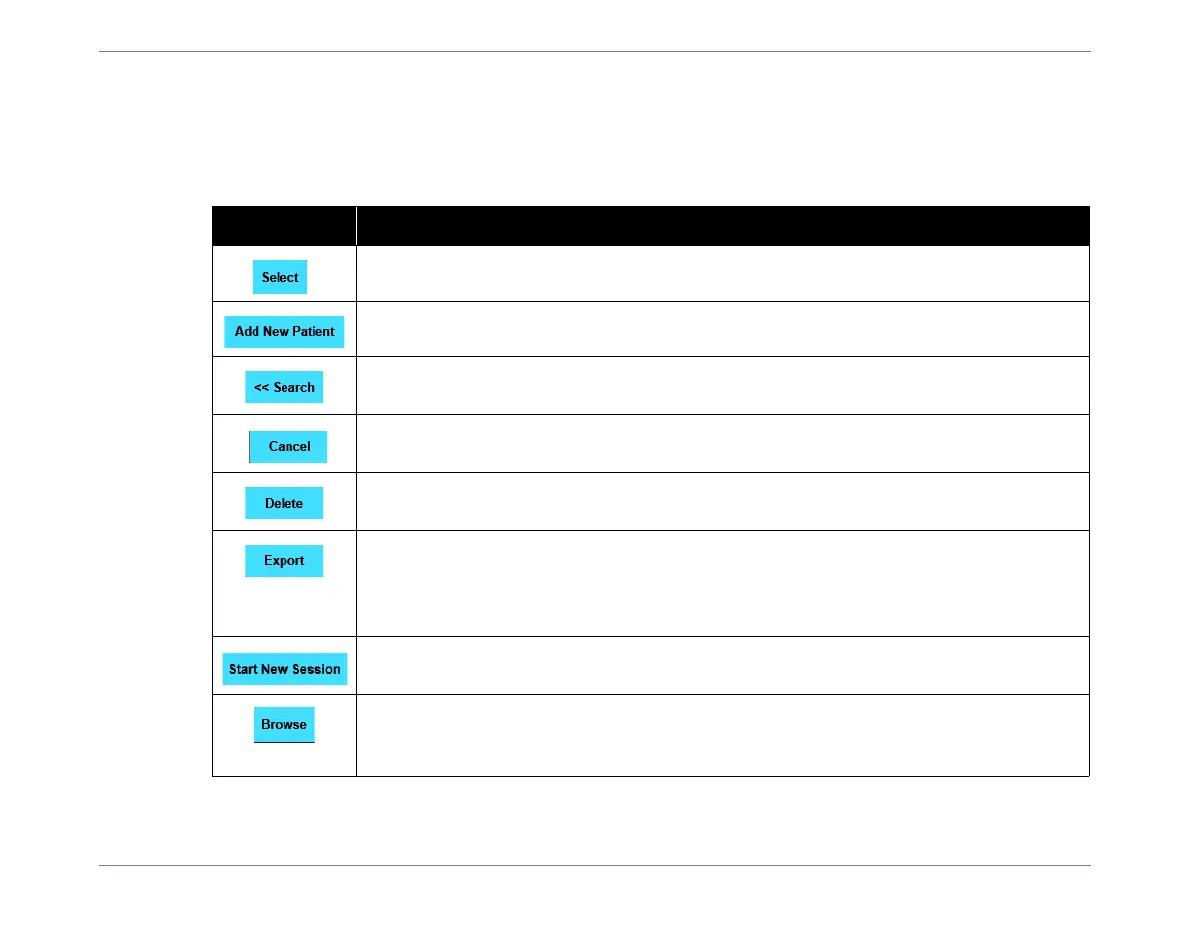
Table 3-2 Patient Management Window - Button Functions
Button Function
Opens the currently-selected patient file - see Figure 3-24.
Add a New Patient. For instructions, see Adding a New Patient on page 5-2.
Used to Search the Patient List
(enter the ID of the required Patient in the ID field).
Closes the Patient Management Window. Returns to the previous location (Home
Screen or Session Browser Window, as applicable).
Used to delete a currently-selected Patient file.
For details, see Deleting a Patient File.
Used to export a currently-selected Patient’s monitoring data (all Sessions) to a USB
storage device.
Data is exported in Excel or PDF format, as selected by the user.
See Exporting All Monitoring Sessions - One Patient on page 5-62.
Used to Start a New Monitoring Session for the currently-selected Patient.
Refer to Starting a Monitoring Session on page 5-10.
Opens the Session Browser Window (Figure 3-26), enabling the user to browse the
currently-selected Monitoring Session.
Refer to Browsing Monitoring Session History on page 5-58.













 To Next Page