5-2 Starling Monitor - User Guide
Creating a New Patient File
Creating a New Patient File
Note
When adding a New Patient to the
Starling
Monitor database, the user is required to enter patient
details manually. (There is no option to import patient details from a Worklist).
Adding a New Patient
To Add a New Patient
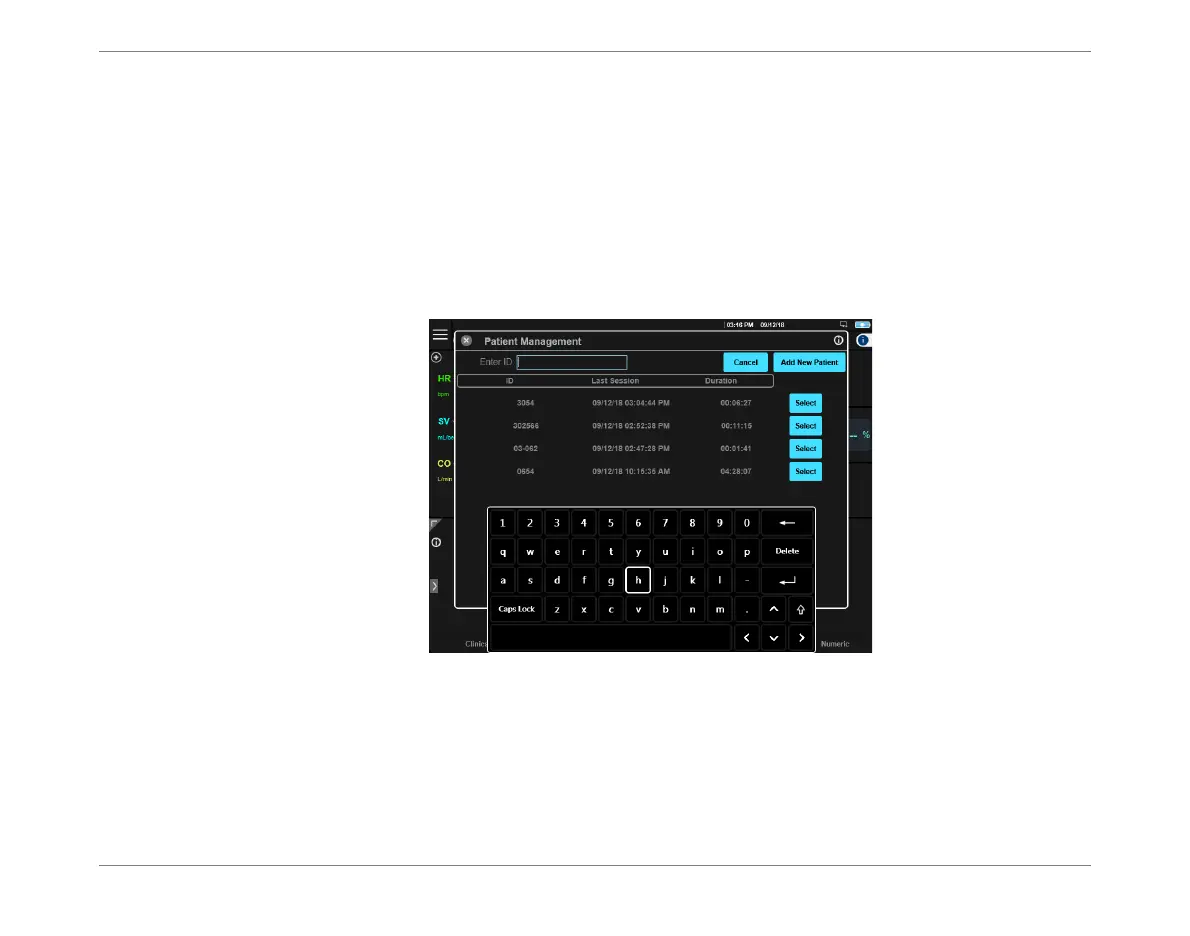
1. Access the Patient Management Window, shown below.
2. Click the Add New Patient button.
The screen refreshes - Figure 5-2.
Figure 5-1 Add a New Patient













 To Next Page