5-50 Starling Monitor - User Guide
Performing a Dynamic Assessment Test
5. On completion of the Bolus administration (3-5 mins), tap the End Bolus button.
The Challenge is now complete.
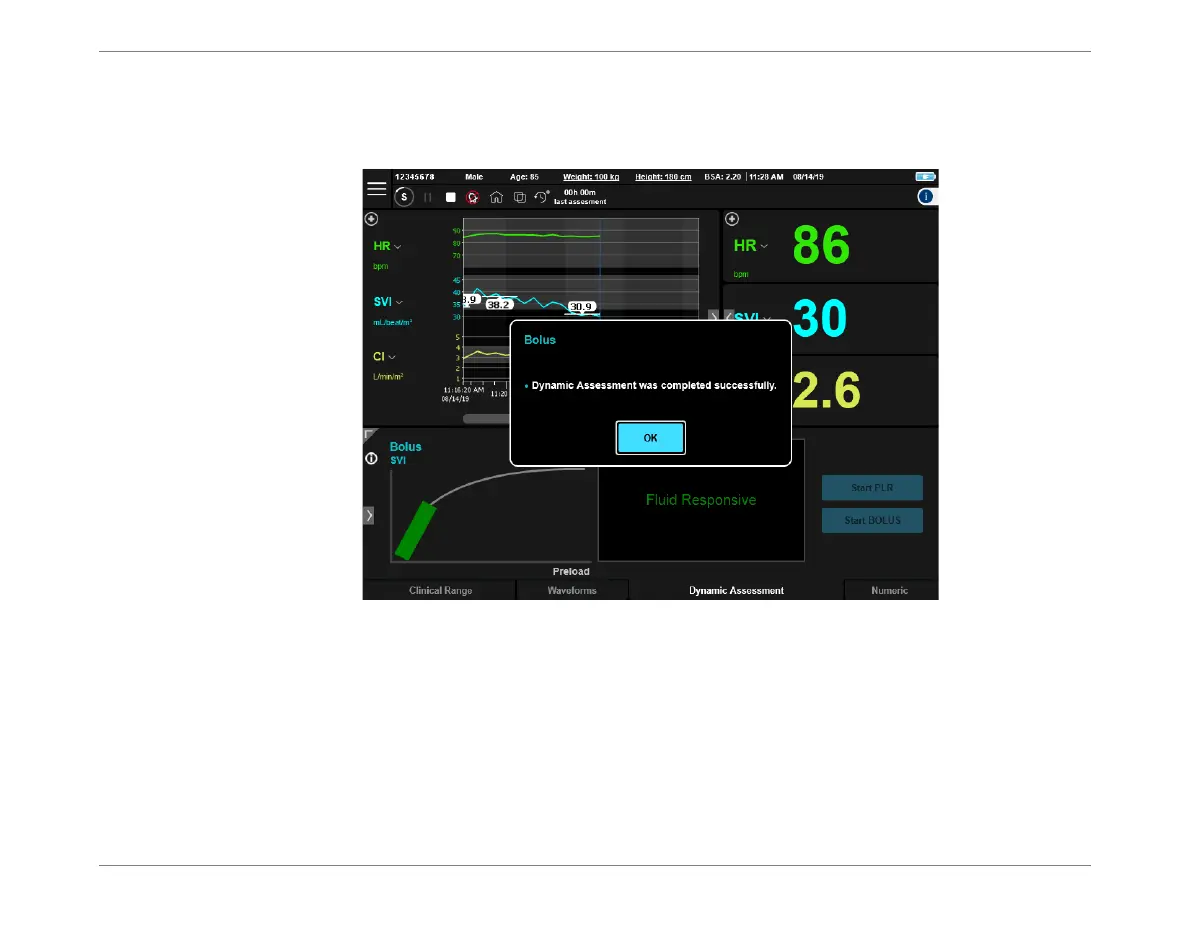
A message confirms successful completion of the Test - see Figure 5-46.
6. Tap OK to close the message.
The Dynamic Assessment window now provides a quick indication of the patient’s fluid
responsiveness.
Note
If the user did not perform Step 5 above, the maximum time for automatic completion of the Bolus
Challenge is 30 minutes. Keep the patient at rest, while no fluids are given. After 30 mins, the
system sounds a single beep and the test ends automatically; the Results will be saved.
Figure 5-46 Bolus Test Completed Successfully













 To Next Page