EasyManua.ls Logo

baxter Starling - Clinical Workflow; Chapter 5 - Patient Monitoring; Adding a New Patient; Patient Preparation

baxter Starling
266 pages
Print Icon
To Next Page IconTo Next Page
To Previous Page IconTo Previous Page
Loading...
©2020 Baxter International Inc. 2- 31
Clinical Workflow
Clinical Workflow
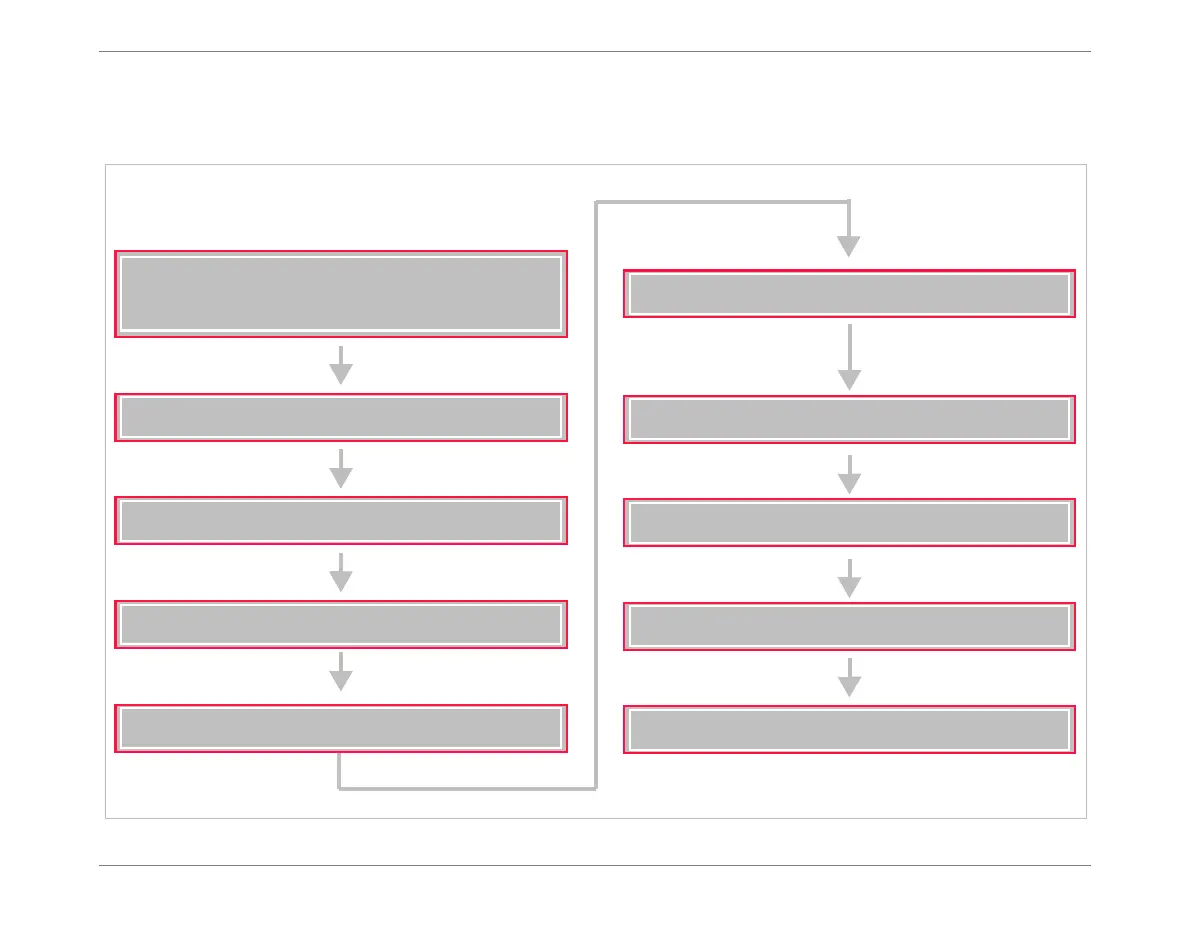
Figure 2-17 illustrates a typical clinical workflow when using the Starling Monitor.
Figure 2-17 Clinical Workflow
Connecting the AC Power Cable
Turning ON Power to the Monitor
Positioning the Starling Monitor
Check Monitor is securely mounted
(Roll Stand, IV pole or Table-top)
Adding a New Patient
Connecting the Starling Patient Cable
Patient Preparation
Attaching Starling Sensors
Starting a Monitoring Session
Viewing an Active Monitoring Session
Completion of Patient Monitoring


Table of Contents

Related product manuals