3-12 Starling Monitor - User Guide
Home Screen
Viewing the Trends Display
For viewing the Trends display, the Starling Monitor provides the user with much flexibility via
the various controls and options provided, as follows:
Add or Remove a Trend Parameter, drag a Trend to a new position, or zoom the Trends
view. For instructions, see Controlling the Trends Display
View Trends at Full-width (Figure 3-8).
View Trends at Full-screen (Figure 3-9).
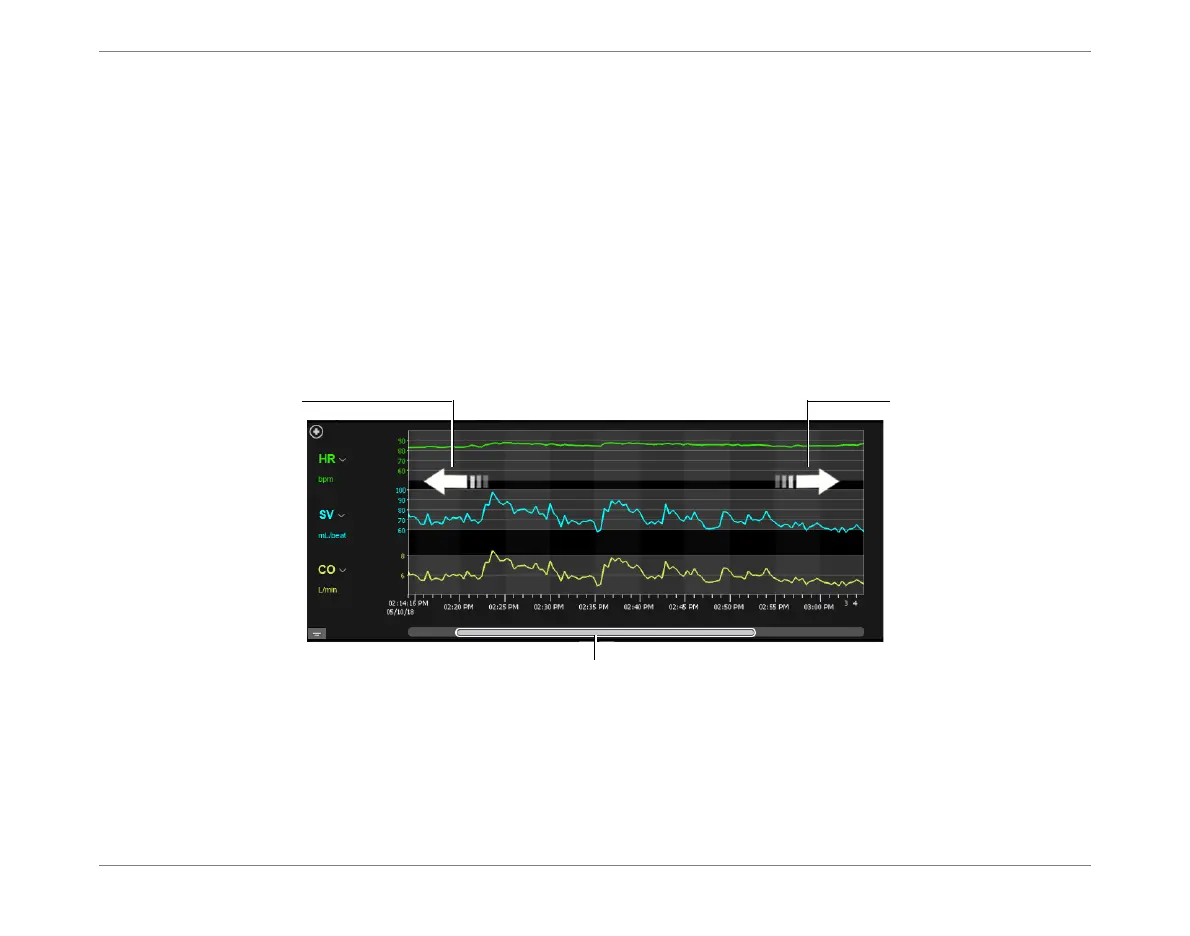
Additionally, to quickly scroll the full range of Trends, use the horizontal scroll bar, or simply
finger-swipe the graphs area
left
or
right
, as required.
Note
Results seen as graphs in the Trends display correspond to the Numeric data seen in the Display
window in table format - refer to Figure 3-20.
Figure 3-6 Scrolling the Trends Display
Use scroll bar
Swipe right to move
FORWARD in time
Swipe left to move
BACKWARD in time













 To Next Page