5-58 Starling Monitor - User Guide
Browsing Monitoring Session History
Browsing Monitoring Session History
The Session Browser Window, accessible only when no active Monitoring Session is in progress,
is used to browse a patient’s Monitoring Session history.
To Browse a Patient’s Monitoring Session History
1. Access the Main menu, then choose Browse Existing Sessions
OR
From the Controls toolbar, tap the Patient Management button.
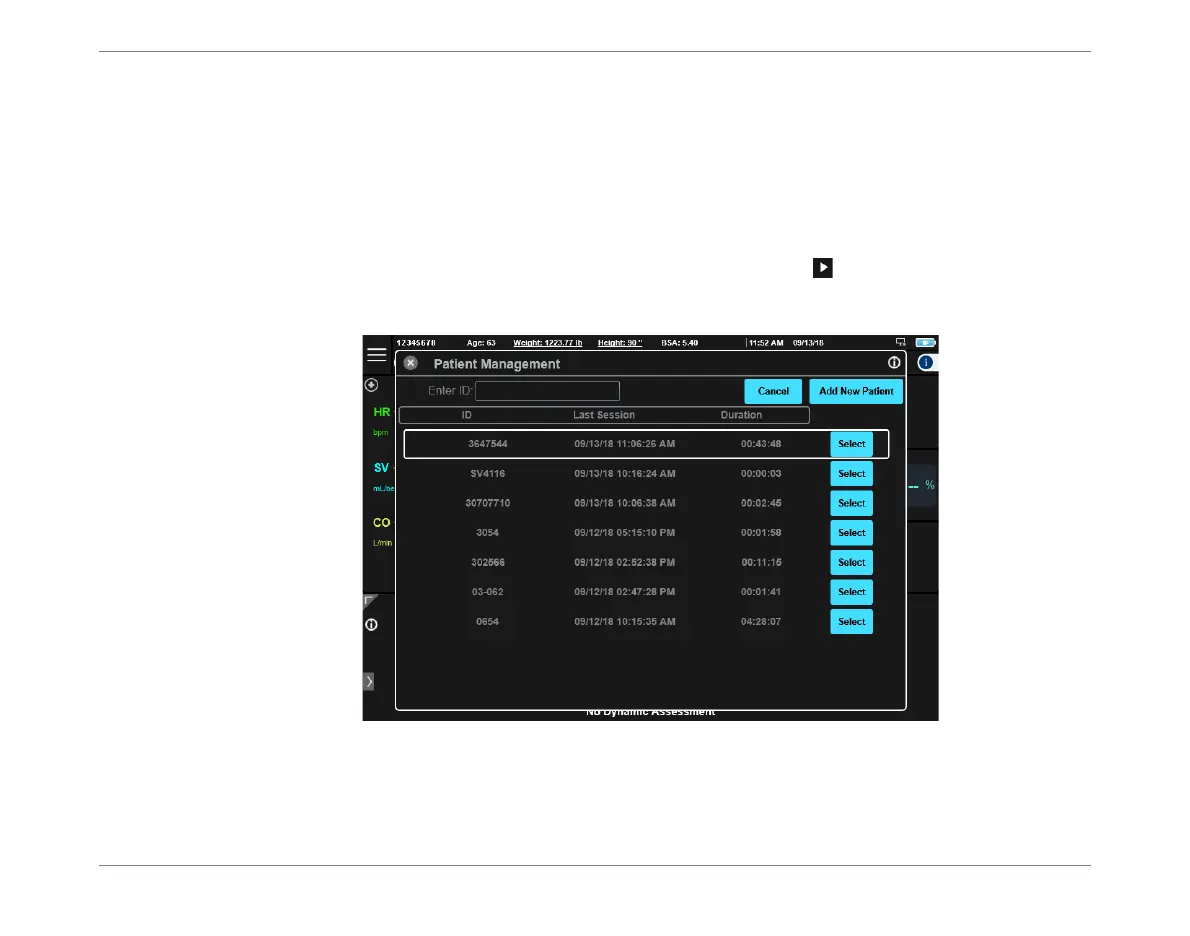
The Patient Management window opens:
2. Scroll to the required Patient File, then tap Select.
Figure 5-53 Patient Management Window













 To Next Page