4-14 Starling Monitor - User Guide
System Shutdown Procedure
3. Tap Yes to confirm the command.
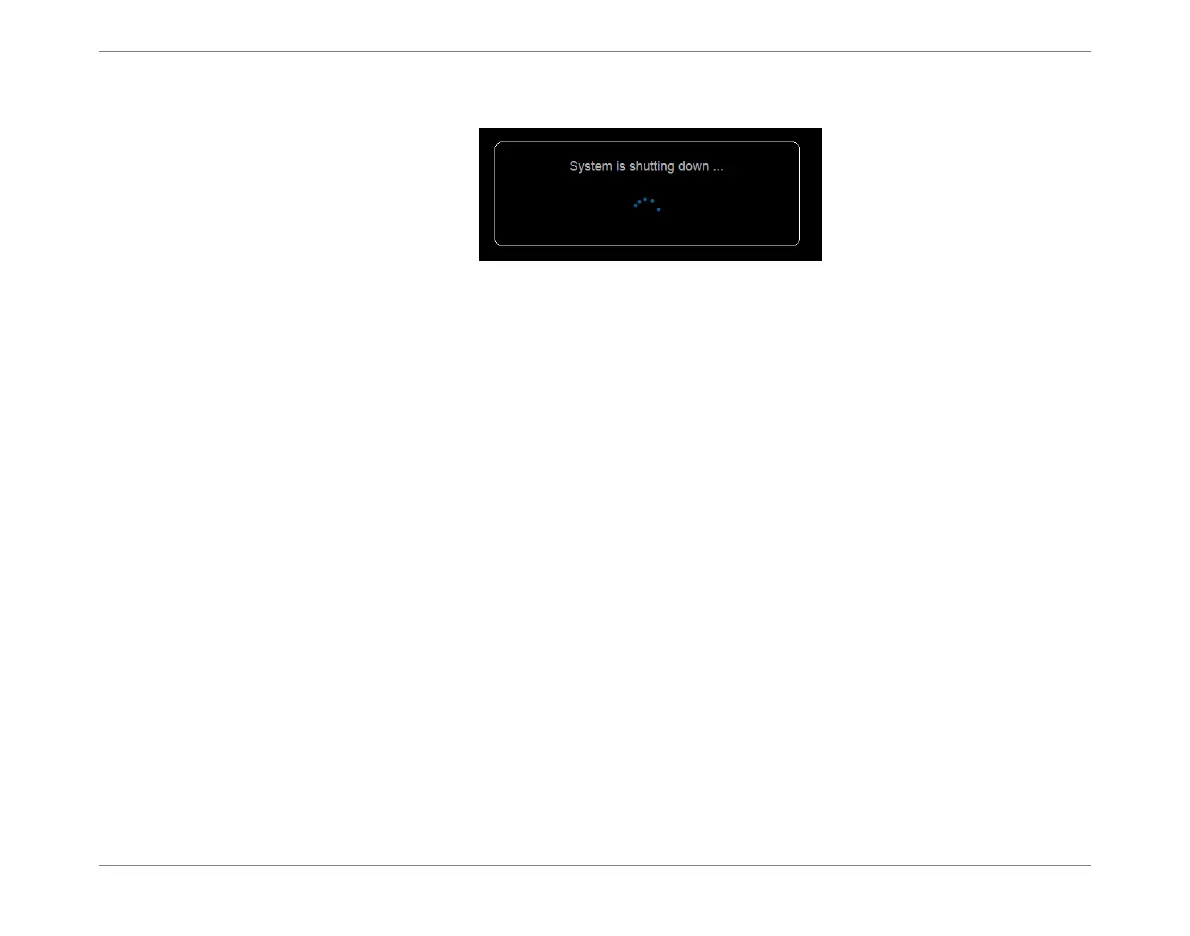
System shutdown commences; the following message is displayed:
When complete, the Monitor power turns Off and the screen is blank.
Disconnecting Cables
To Disconnect the Cables
1. Unplug the AC power cable from the mains power wall outlet.
2. Disconnect the other end of the AC power cable from the power input socket on the
Monitor rear panel (Figure 4-4).
3. If in use, disconnect the NIBP air hose from the Monitor (see Figure 4-4).
4. If in use, disconnect the SPO
2
cable from the Monitor (see Figure 4-9).
Cleaning the Monitor and Accessories
Refer to the instructions for Cleaning Procedures on page 6-2.
Storage When Not in Use
In the event that the Starling Monitor will not be used for a prolonged period, it should be
stored in a clean, dry environment in an area where it will be protected from the risk of damage.
For the manufacturer’s recommended environmental conditions for storage, refer to Table 1-4
on page 1-15.













 To Next Page