3-26 Starling Monitor - User Guide
Home Screen
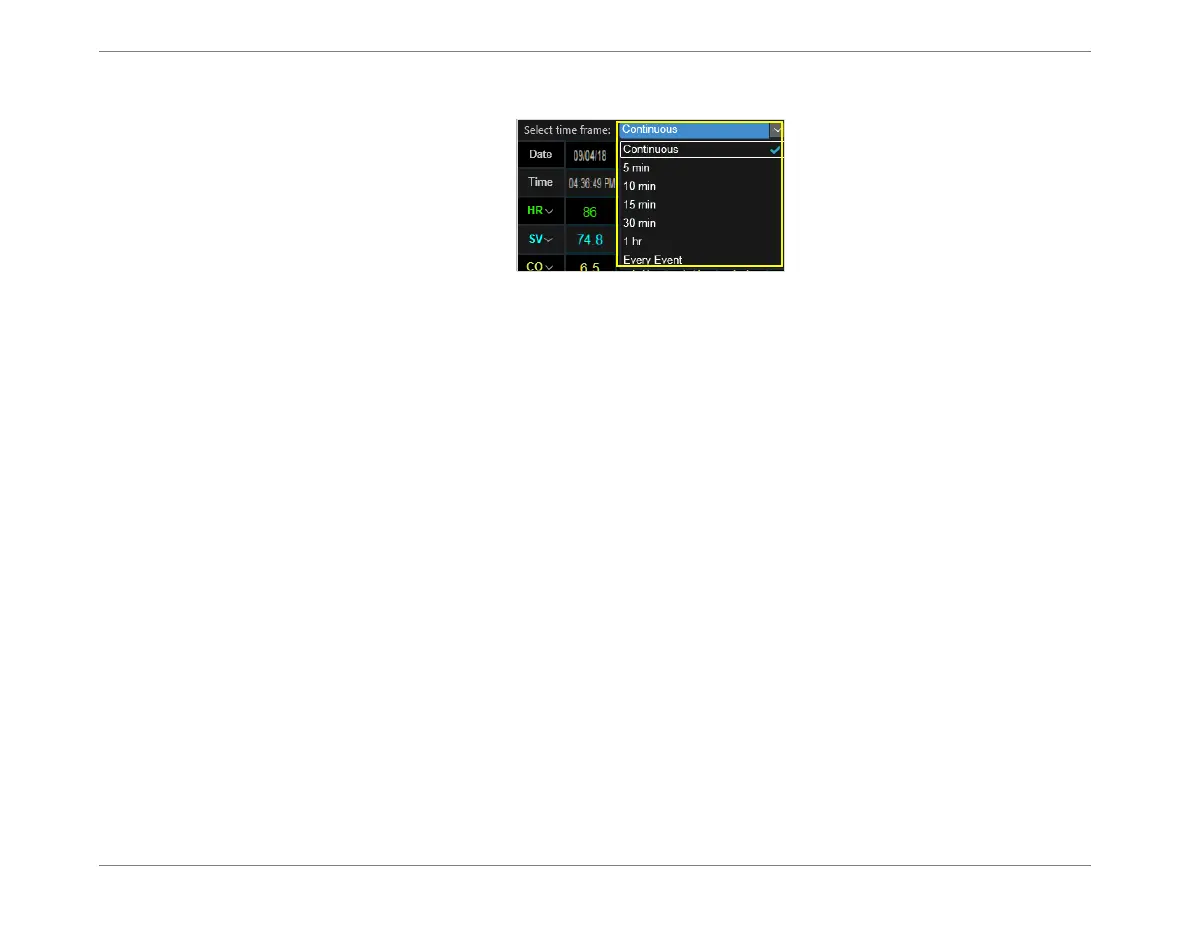
Select the required Timeframe for display (see Timeframe menu options in Figure 3-21).
Adding an Event to the Numeric Display
In the Numeric display, the user has the option to add an Event, if required.
Note
When Every Event is the selected Time Frame, only Event times are shown in the Display window
Numeric tab.
Refer to the instructions for Adding an Event Manually on page 5-25.
Figure 3-21 Timeframe Options













 To Next Page