5-60 Starling Monitor - User Guide
Browsing Monitoring Session History
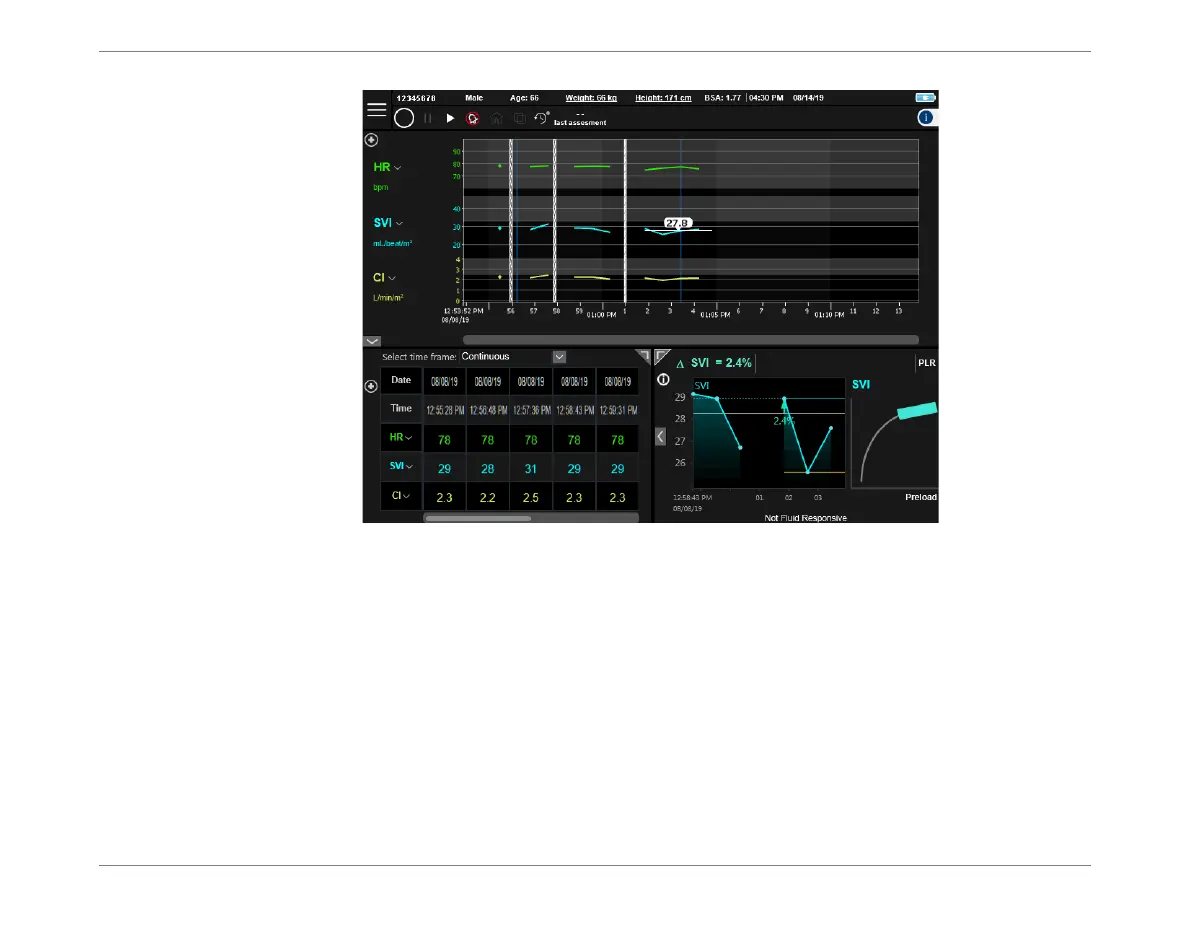
4. Proceed to browse the monitored data, as required.
Note
If the currently-selected Patient has had more than one Dynamic Assessment Test performed, to
browse the Test Results refer to Dynamic Assessment Test Results in Full Screen View on
page 5-56.
See also Viewing Dynamic Assessment Test Results in History Mode on page 3-36.
Figure 5-55 Selected Monitoring Session Displayed in Session Browser Window













 To Next Page