©2020 Baxter International Inc. 4- 13
System Shutdown Procedure
System Shutdown Procedure
Turning OFF Power to the Starling Monitor
To Turn OFF Power to the Monitor
1. Verify that no active Monitoring Session is in progress and that use of the Monitor is
no longer required.
2. From the Quick Access Menu (see Figure 4-6) select the Shut Down option.
OR
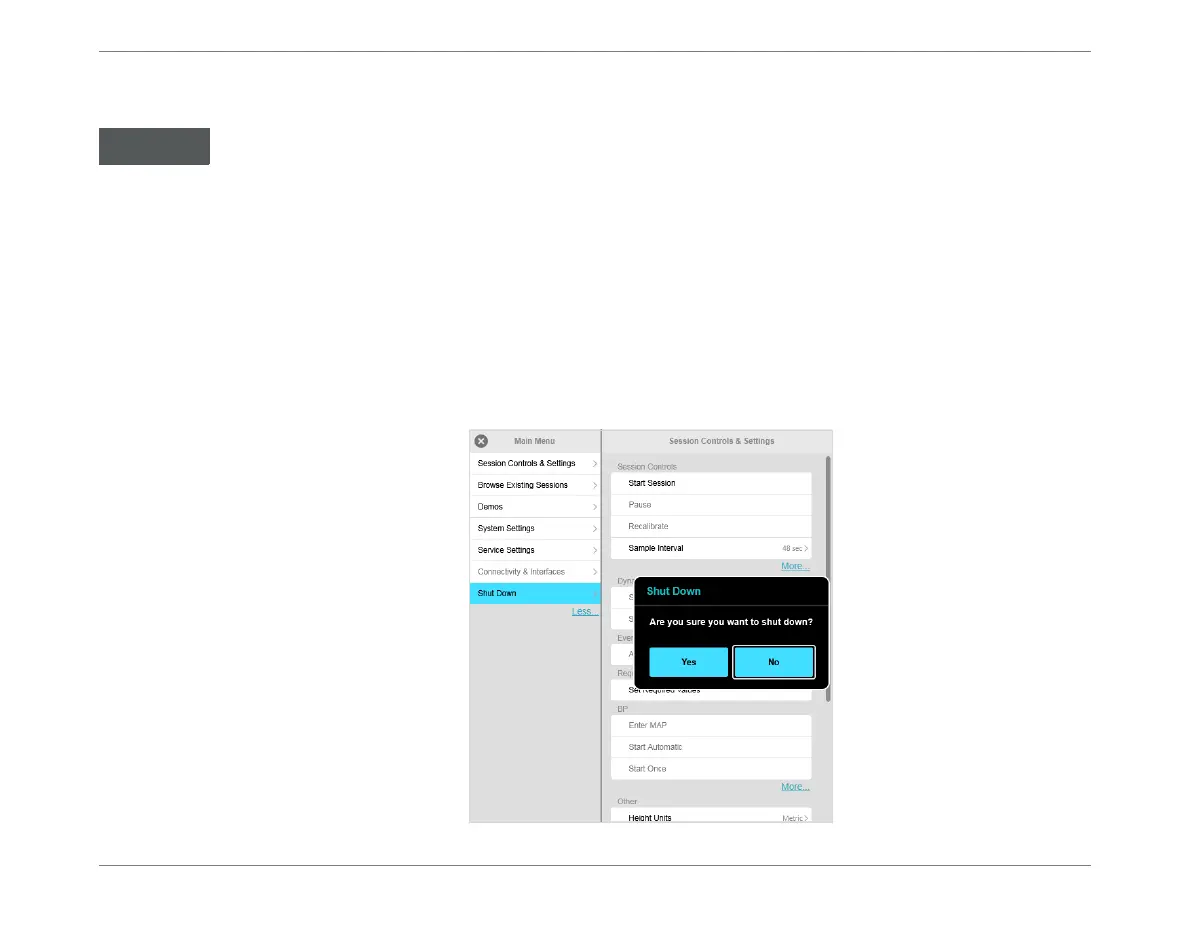
From the Main menu, tap
Session Controls & Settings
, then choose Shut Down.
The Shut Down dialog box opens:
Always perform the System Shutdown procedure as described below.
Do not use the Power button on the Operator Panel.
Figure 4-10 Shut Down Dialog Box













 To Next Page