6-6 Starling Monitor - User Guide
Touch Screen Calibration
Touch Screen Calibration
From time to time, calibration of the Starling Monitor Touch Screen may be required to optimize
the screen responsiveness.
Note
If active Monitoring is currently in progress, it is not necessary to stop the Session before
performing this procedure.
To Perform the Touch Screen Calibration Procedure
1. Access the Main menu; from System Settings choose Touch Screen Calibration.
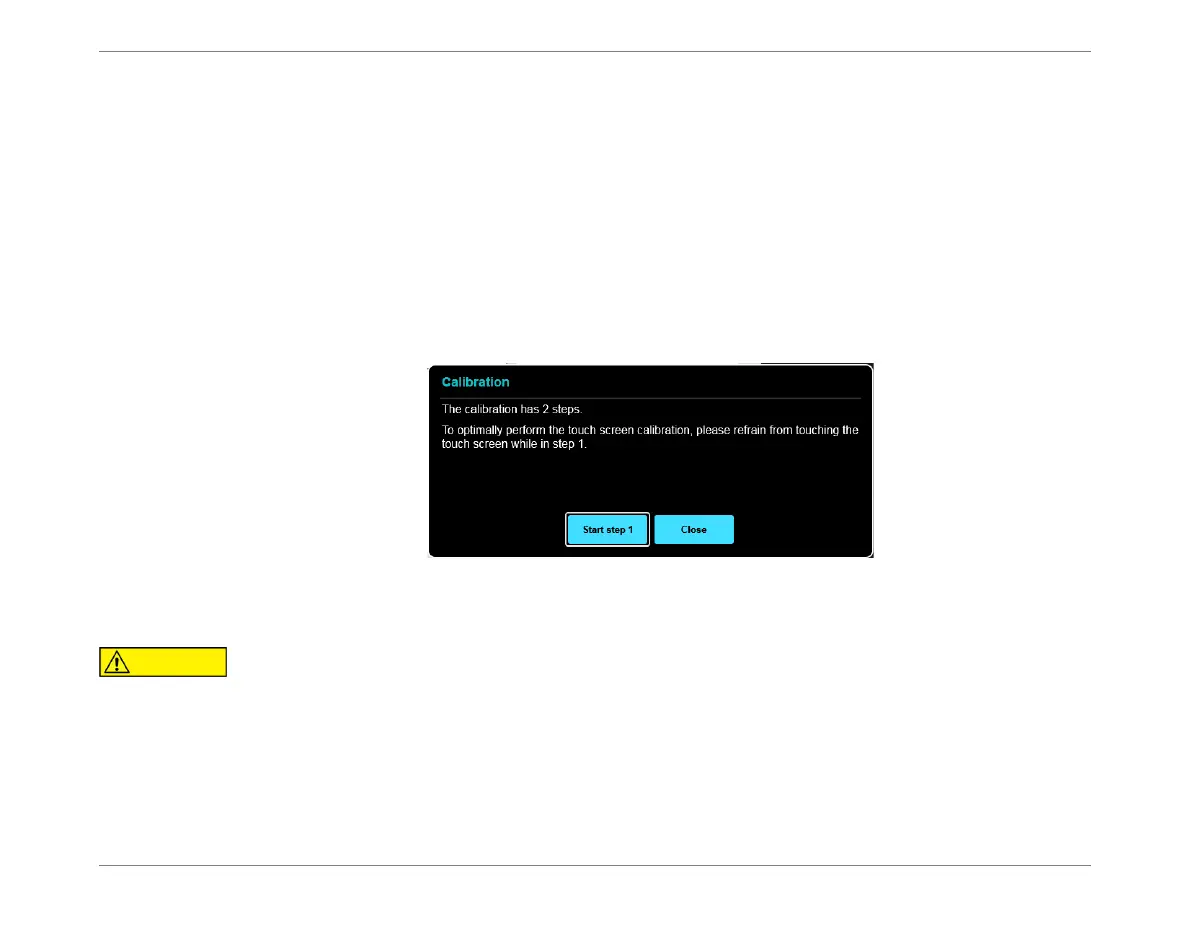
The Calibration Wizard opens:
2. Tap the Start Step 1 button.
Calibration commences; while Step 1 in progress, a progress message opens, as
shown in Figure 6-2.
Figure 6-1 Calibration Wizard
To ensure optimal calibration, do not touch the Touch Screen while this Step is in progress.













 To Next Page