©2020 Baxter International Inc. 6- 7
Touch Screen Calibration
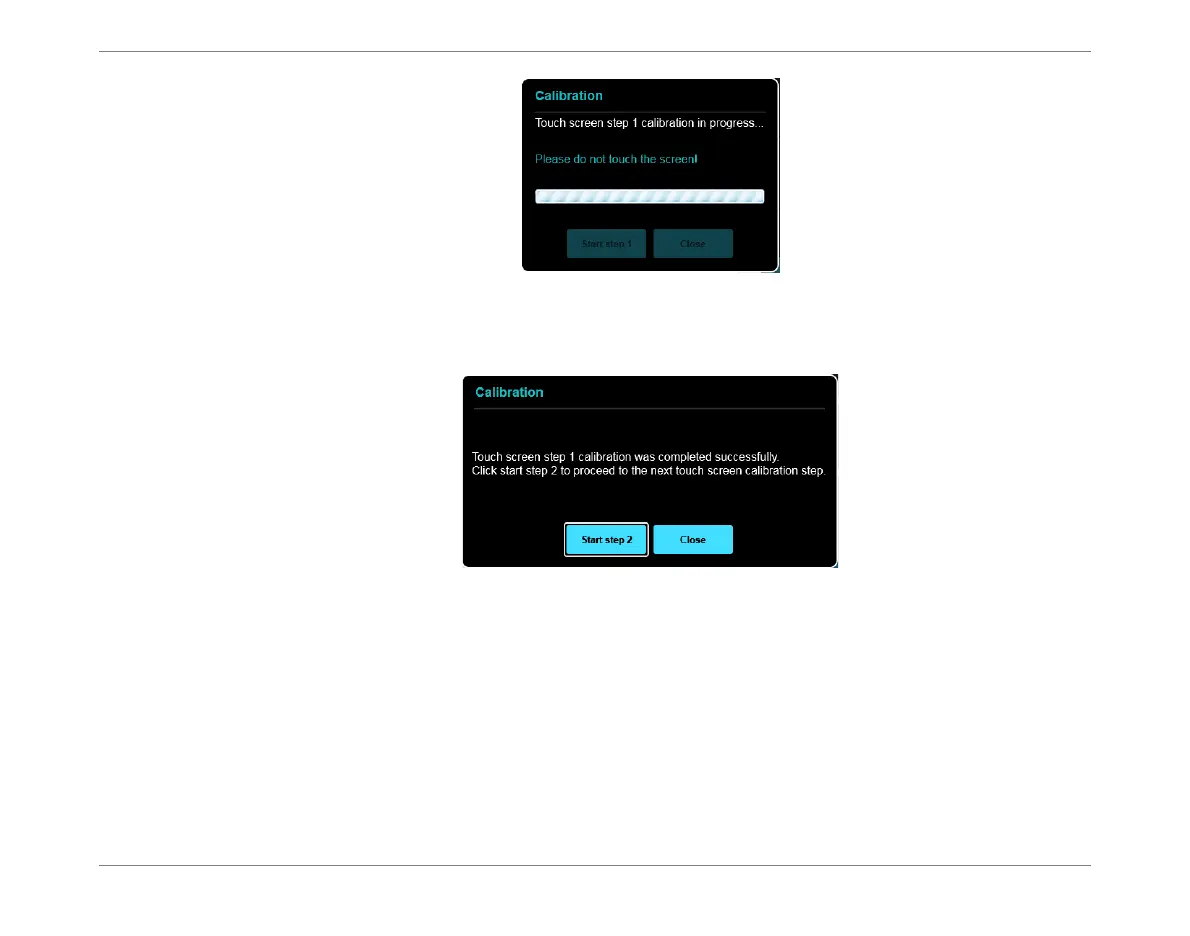
On successful completion of Step 1, the Calibration Wizard Step 2 opens:
3. Tap the Start Step 2 button.
The Calibration screen opens - shown in Figure 6-4.
Figure 6-2 Calibration Wizard - Step 1 in Progress
Figure 6-3 Calibration Wizard - Start Step 2













 To Next Page