6-8 Starling Monitor - User Guide
Touch Screen Calibration
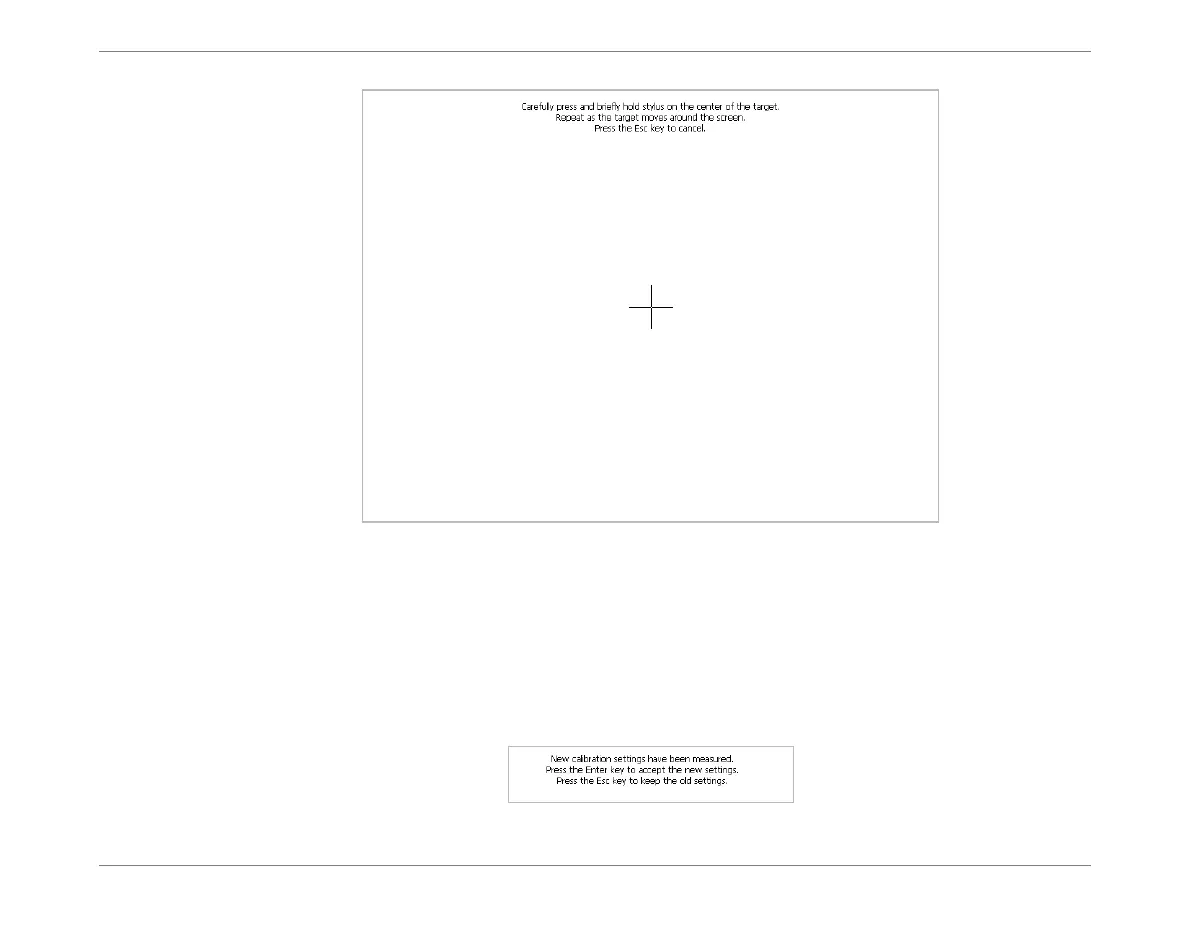
4. Follow the on-screen instructions; using your finger, carefully press and briefly hold
the target as it moves around the screen.
Note
Pressing the Operator Panel Back Button at this stage will cancel the Calibration procedure.
Once Step 2 is completed, the following message is displayed at the top of the
Calibration screen:
Figure 6-4 Calibration Screen













 To Next Page