©2020 Baxter International Inc. 5- 59
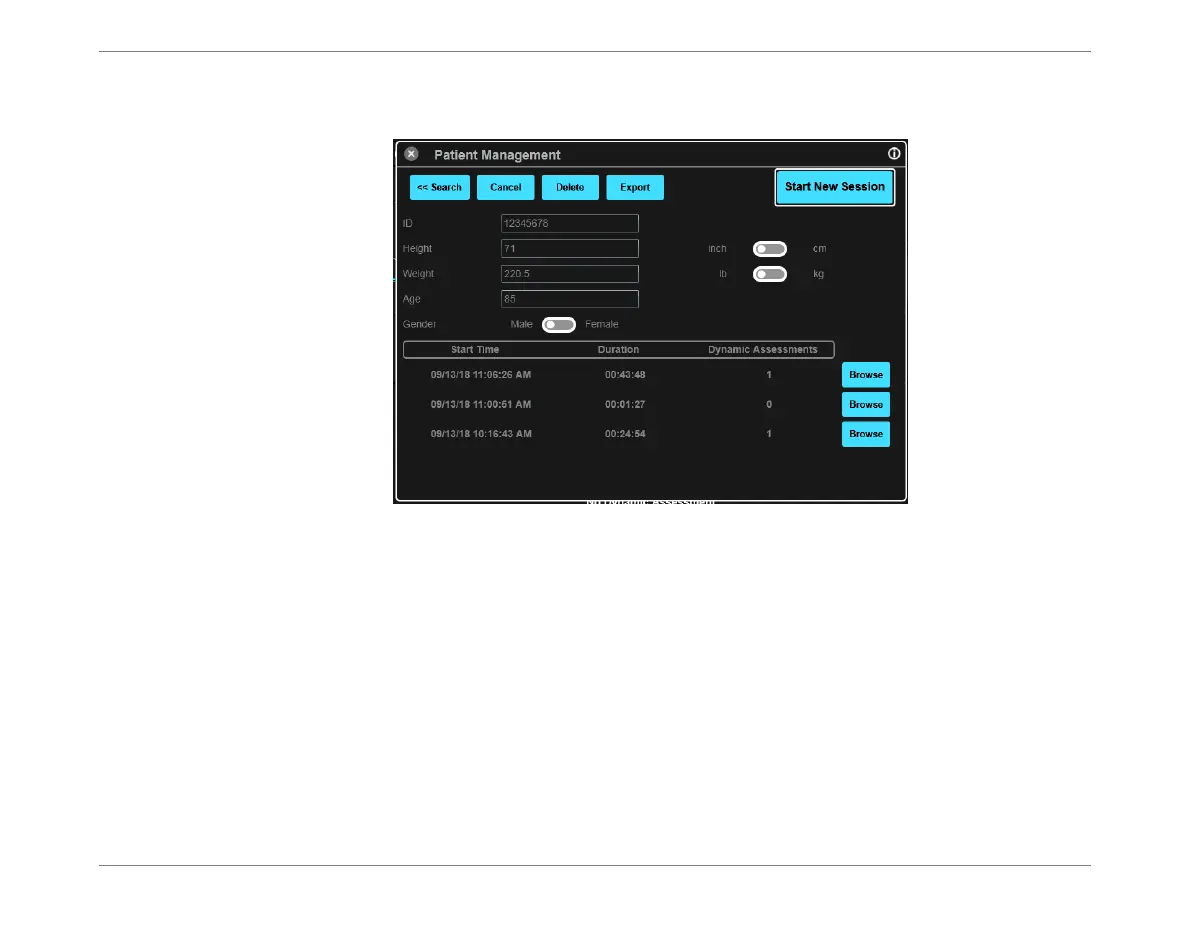
Browsing Monitoring Session History
The screen refreshes, showing a list of existing Monitoring Session for the selected
patient.
3. Scroll to the required Session, then tap Browse.
The window closes and the selected Session is now displayed in the Session Browser
Window - Figure 5-55.
Figure 5-54 List of Monitoring Sessions for Selected Patient













 To Next Page