3-30 Starling Monitor - User Guide
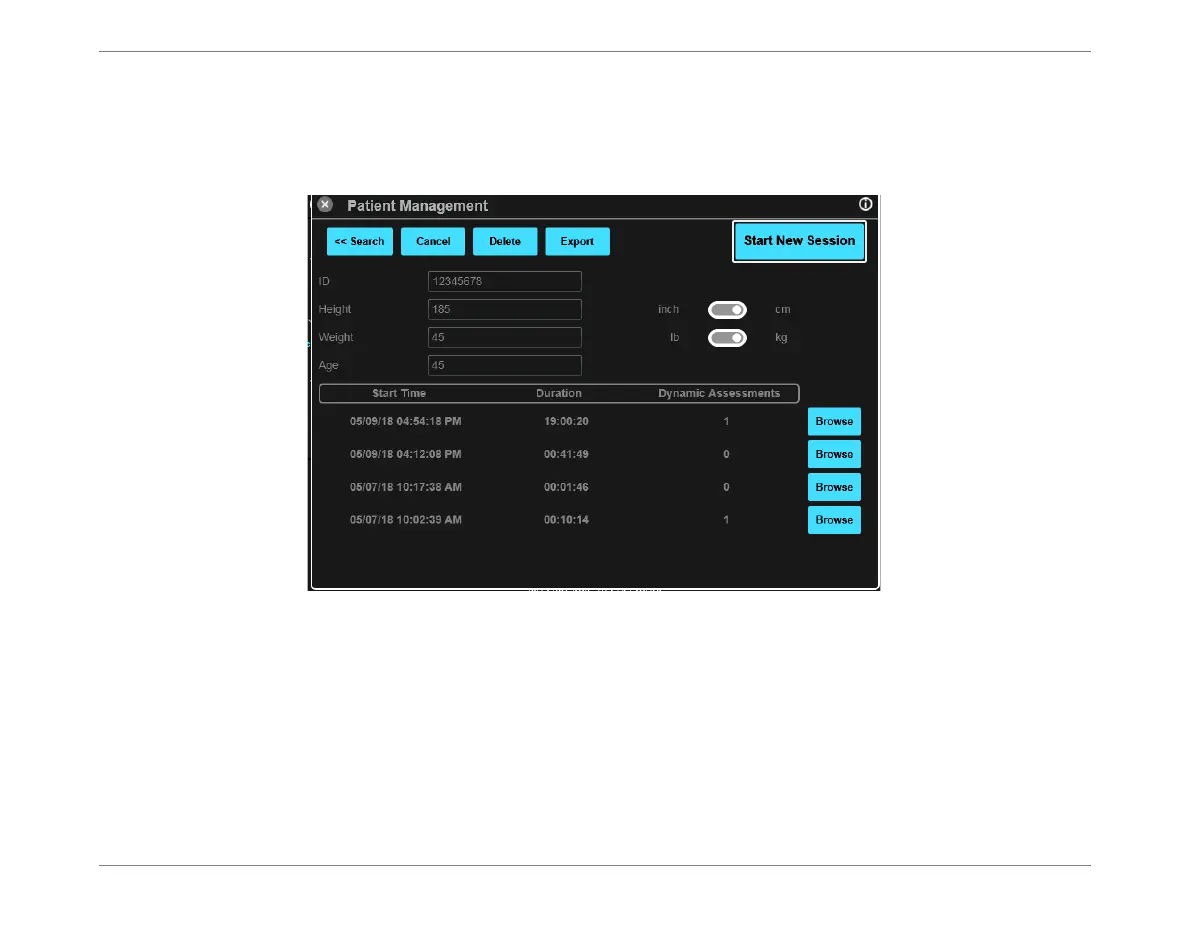
Patient Management Window
Selected Patient File
When a listed Patient File is selected, the window refreshes and then displays that patient’s
details (
ID, Height, Weight, Age
) together with a Monitoring Session history.
For each listed Monitoring Session, the following details are shown:
Start Time
Session Duration
Dynamic Assessments
Note
Sessions are listed chronologically, with the most-recent at the top of list.
When many Sessions are listed, a vertical scroll bar is available on the right of the screen.
Figure 3-24 Patient Management Window - Selected Patient File













 To Next Page