5-68 Starling Monitor - User Guide
Completion of Patient Monitoring
Completion of Patient Monitoring
Stop Monitoring Session
To Stop a Monitoring Session
1. Verify that active monitoring is no longer required.
2. Proceed as follows:
Either
On the Controls toolbar, tap the Stop button.
Or
Access the Main Menu, Session Controls & Settings option, then tap Stop Session.
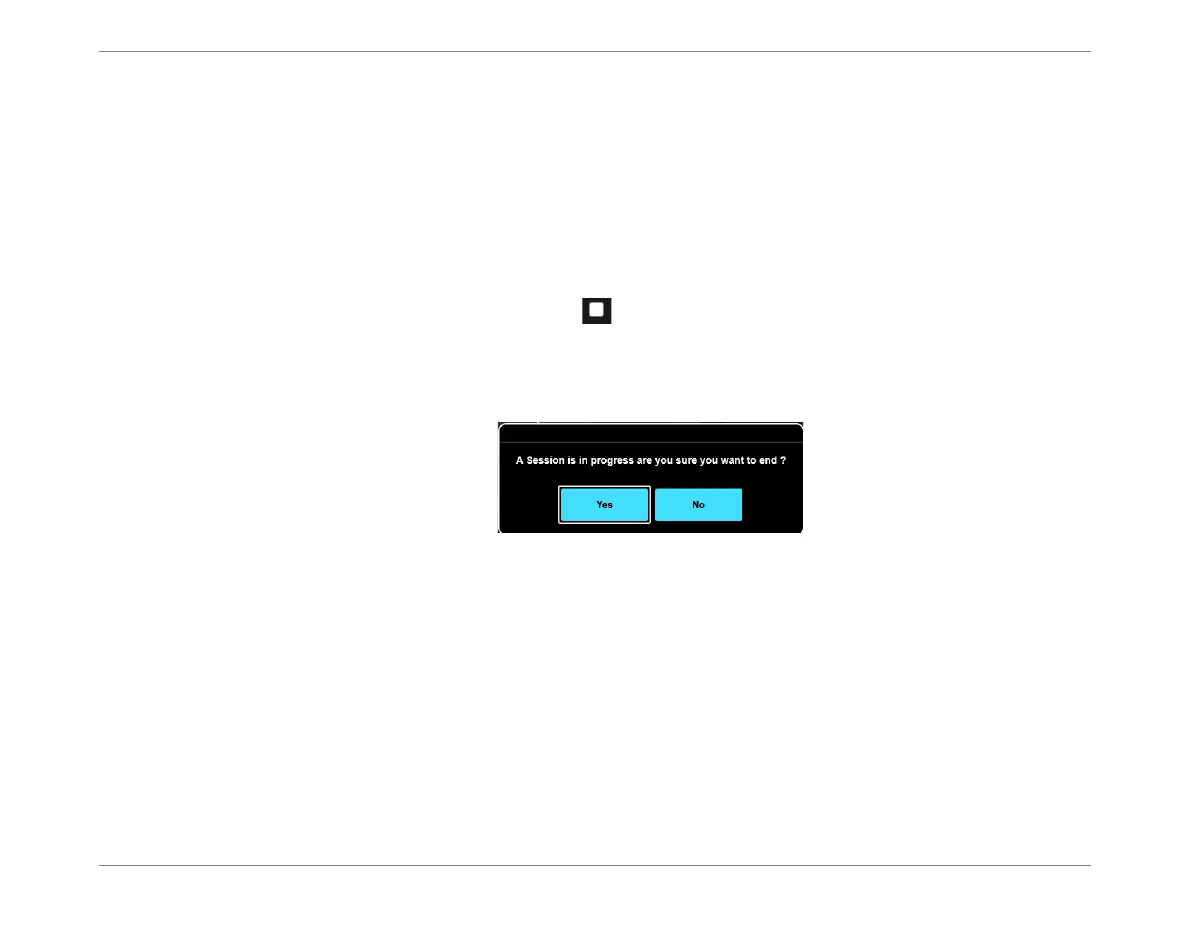
A message is displayed, prompting the user to confirm the command:
3. Tap Yes to confirm.
The message closes; the current Monitoring Session is now stopped.
4. Proceed to the instructions for Removing the Starling Sensors.
Figure 5-63 Stop Session Message













 To Next Page