©2020 Baxter International Inc. 5- 13
Monitoring a Patient
Viewing an Active Monitoring Session
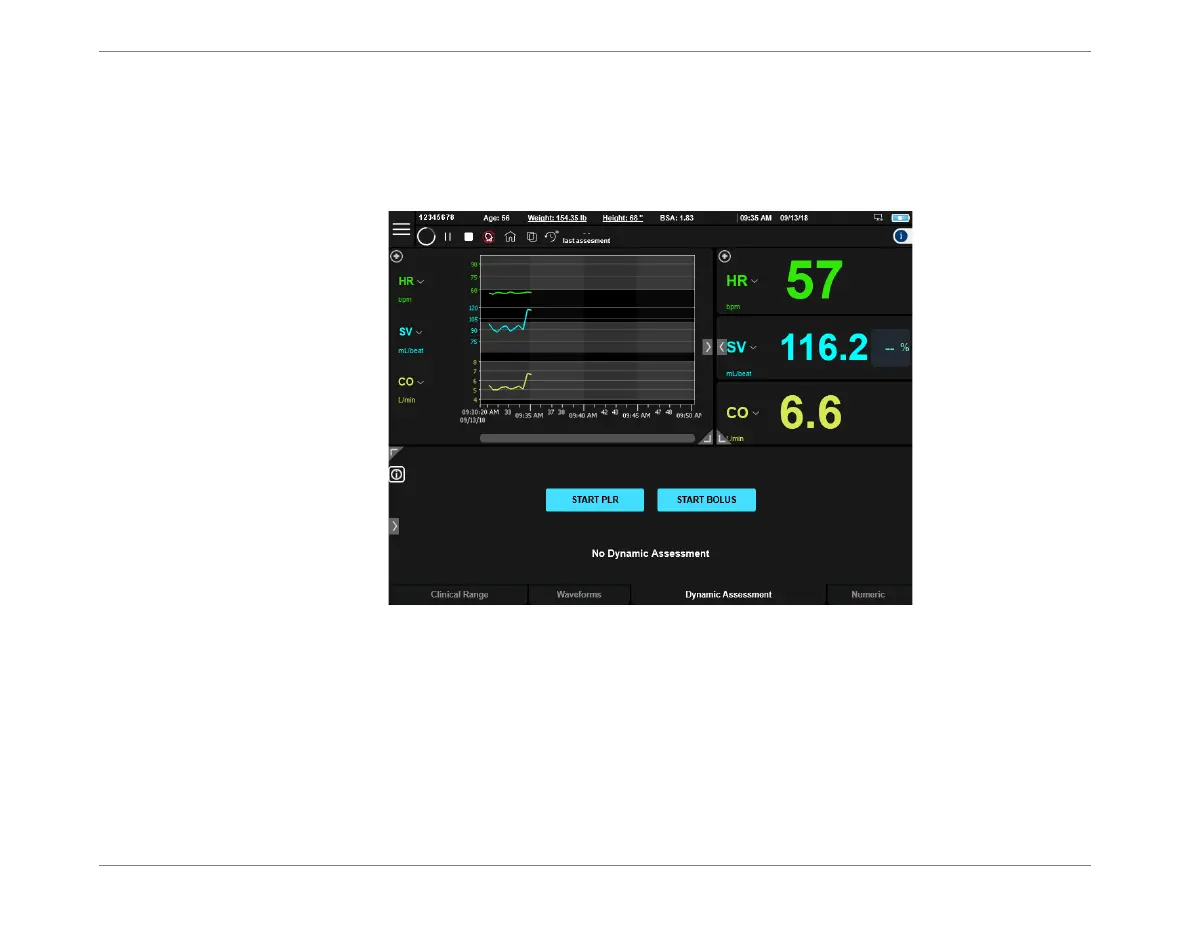
During an active Monitoring Session, the Home Screen shows the acquired data in accordance
with the parameter values selected for display. Results can be viewed easily, using the various
viewing and navigation options previously described in Chapter 3.
Make any changes required (select parameter values for display, change to preferred display
layout,
etc
.). Additionally, refer to the following, as applicable:
Setting or Adjusting Clinical Ranges
Pausing a Monitoring Session
Setting Alerts
Performing a Dynamic Assessment Test
Figure 5-10 Monitoring Session in Progress













 To Next Page