5-46 Starling Monitor - User Guide
Performing a Dynamic Assessment Test
Fluid Bolus Challenge
Note
Before performing this procedure, make sure
Starling
Sensors have been attached to the patient
(refer to Attaching Starling Sensors on page 5-6).
To Perform a Fluid Bolus Challenge
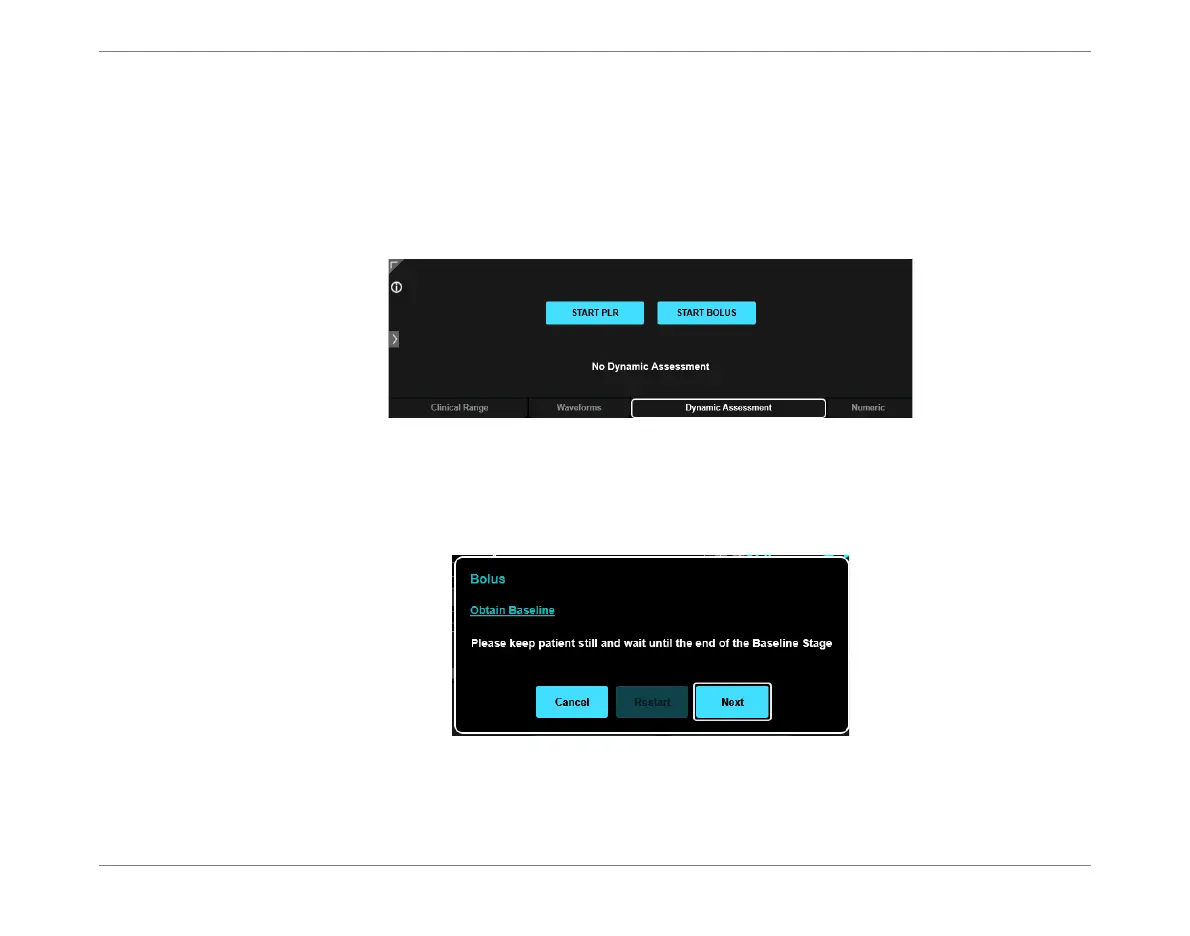
1. From the Home screen Display window, tap the Dynamic Assessment tab.
2. Tap the Start Bolus button.
The Obtain Baseline message opens - Figure 5-42.
Figure 5-41 Display Window - Dynamic Assessment Tab
Figure 5-42 Message Displayed Prior to Starting Bolus Test













 To Next Page