5-26 Starling Monitor - User Guide
Monitoring a Patient
Note
By default, the dialog box opens at the Drugs tab.
Perform the following steps as applicable, to add the required Event.
2. With the Drugs tab active:
a. Swipe the list
up
or
down
to scroll to the required listed drug.
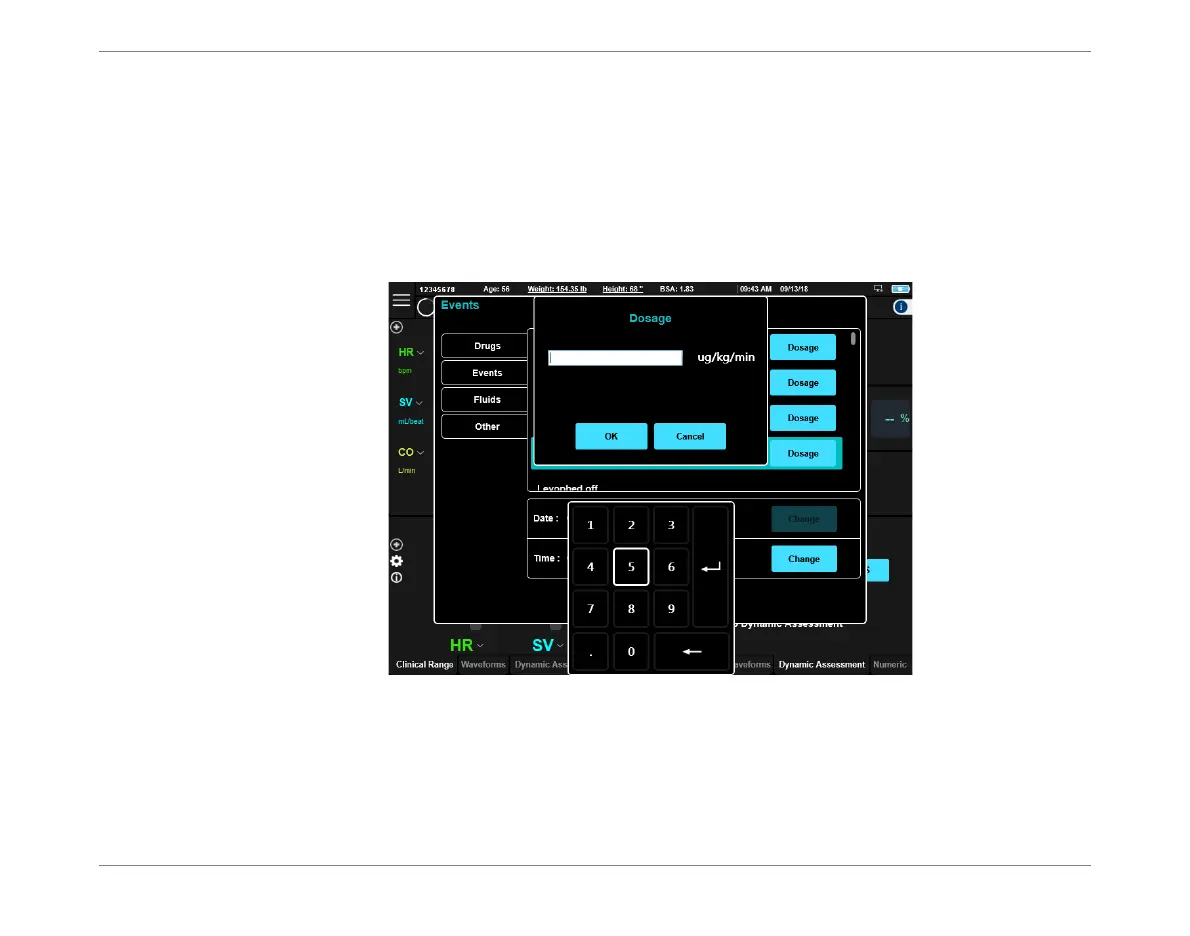
b. Tap the Dosage button, then use the virtual keyboard to enter the dose
administered, then tap OK.
c. Set the appropriate Time of dose administration - tap the Time Change button to
access the Set Time dialog box, Figure 5-25.
Figure 5-24 Enter Dosage













 To Next Page