©2020 Baxter International Inc. 5- 27
Monitoring a Patient
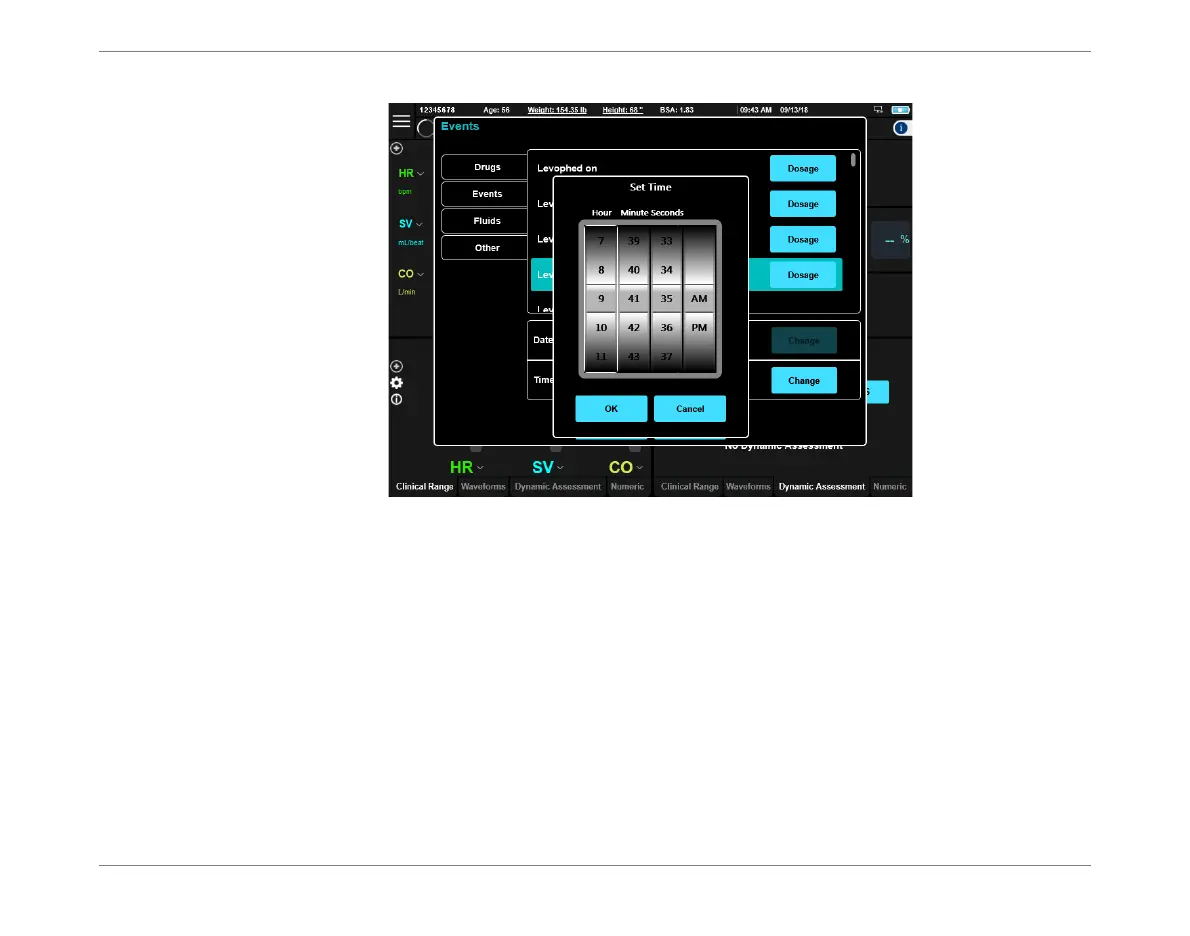
d. Swipe
up
or
down
the columns to select the required time, then tap OK to accept the
change.
Note
If necessary, change the Date also.
e. Tap OK to close the Events dialog box.
The newly-added Event is now indicated by a green marker in the Trends area (and in the
Numeric display, if the Event parameter has been selected for display in the table of
values).
Figure 5-25 Set Time Dialog Box













 To Next Page