5-4 Starling Monitor - User Guide
Creating a New Patient File
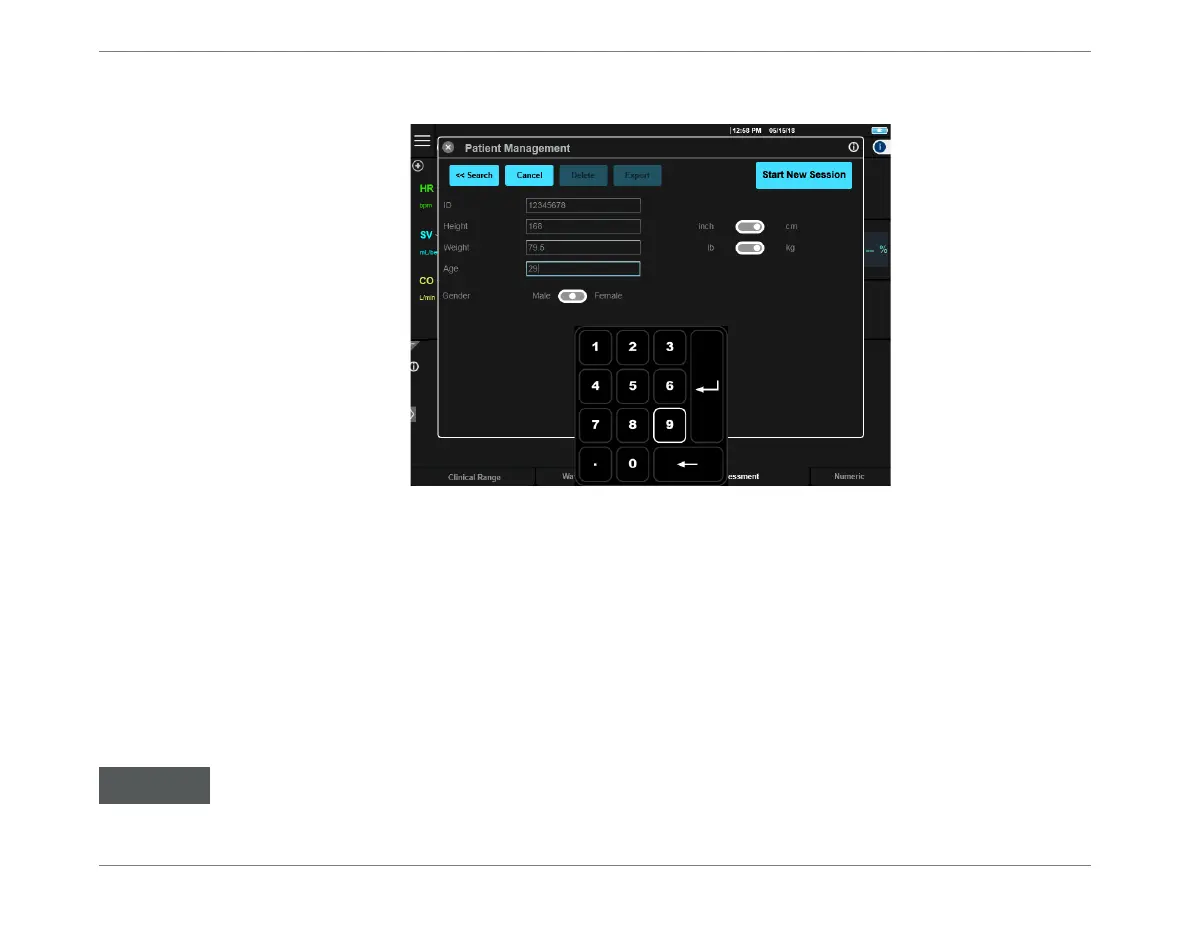
d. Tap the Age field, then enter the age.
Note: Age
value must be between 0.01 and 130 years.
Note
In the above steps, if any values have been entered that are outside the acceptable range, it will not
be possible to Start a New Session for this patient.
Note
The user has the option to select the patient’s gender - however, this is not mandatory.
Note
When adding a New Patient, using the Cancel button evokes the display of a message warning that
patient details will not be saved.
5. When all required details for the New Patient have been entered, proceed to the
instructions for Patient Preparation on page 5-5, in readiness for Starting a
Monitoring Session.
Figure 5-3 Adding Patient Details
In the event that power to the Starling Monitor is turned OFF before Starting a Monitoring Session for
the New Patient, the newly-added Patient details will not be saved. Later, this will necessitate repeating
the above procedure in order to re-enter the New Patient details.













 To Next Page