©2020 Baxter International Inc. 6- 11
Fuse Replacement Procedure
3. Remove the blown fuse from the fuse compartment.
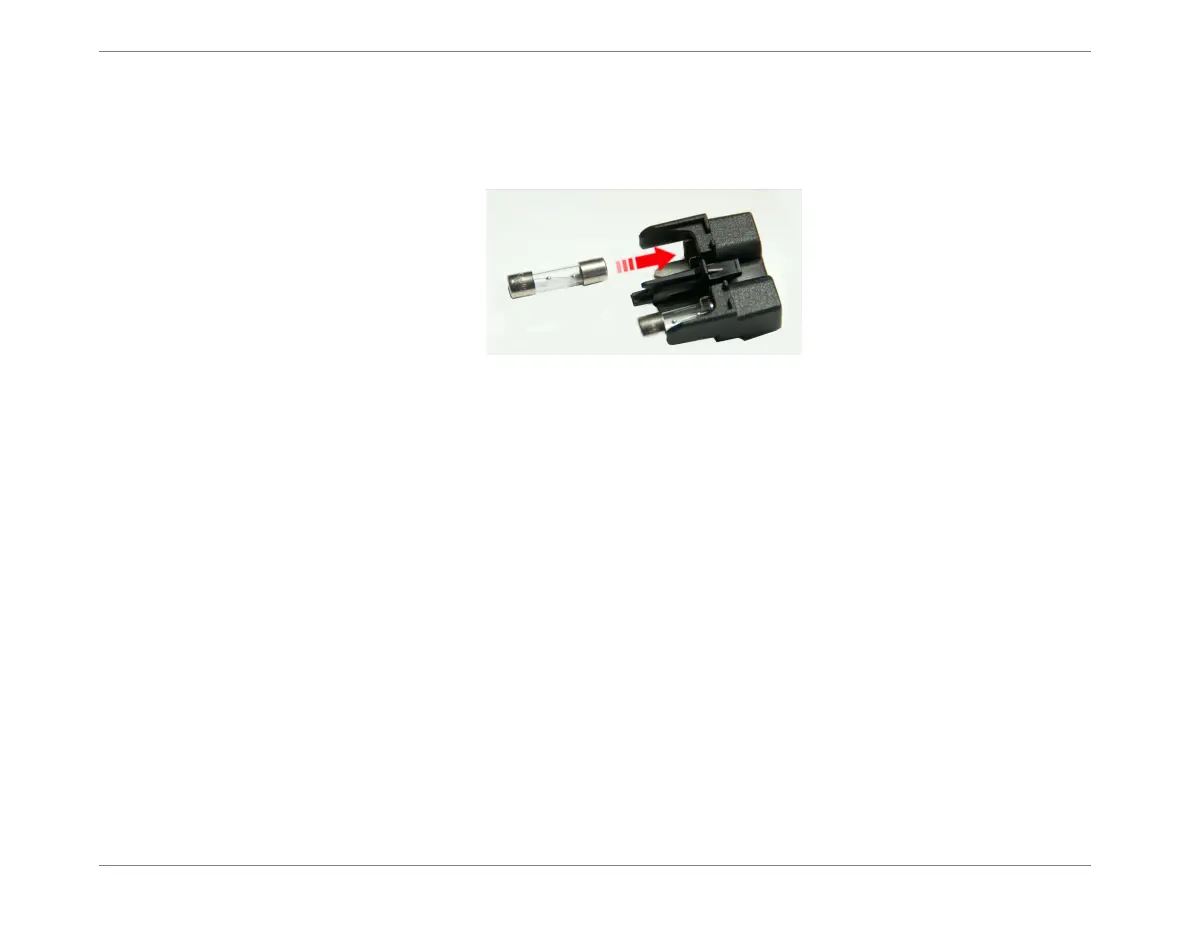
4. Carefully insert a new 2A SB fuse into the fuse compartment; push it all the way in,
making sure it is properly seated.
5. Push the fuse housing drawer back into position on the rear panel.
Note
When you hear a click, the drawer is fitted securely.
6. Reconnect the AC power cable to the mains power wall outlet.
7. Turn ON power to the Monitor, as described in Turning ON Power to the Monitor on
page 4-8.
8. Check that System Startup completes successfully and the Welcome Screen is
displayed (Figure 4-6).
Figure 6-7 Fuse Replacement - Inserting a New Fuse













 To Next Page