CAPINTEC, INC. CAPTUS
®
3000
• Setup Thyroid Uptake Protocols ......................... 7-3
• Setup Wipe Test Defaults .................................. 8-3
• Setup Wipe Test Groups .................................... 8-6
• Setup Bioassay .................................................. 11-2
NORMAL STARTUP
To run the CAPTUS
®
3000 software, double-click on the CAPTUS
®
3000 icon. If the Startup
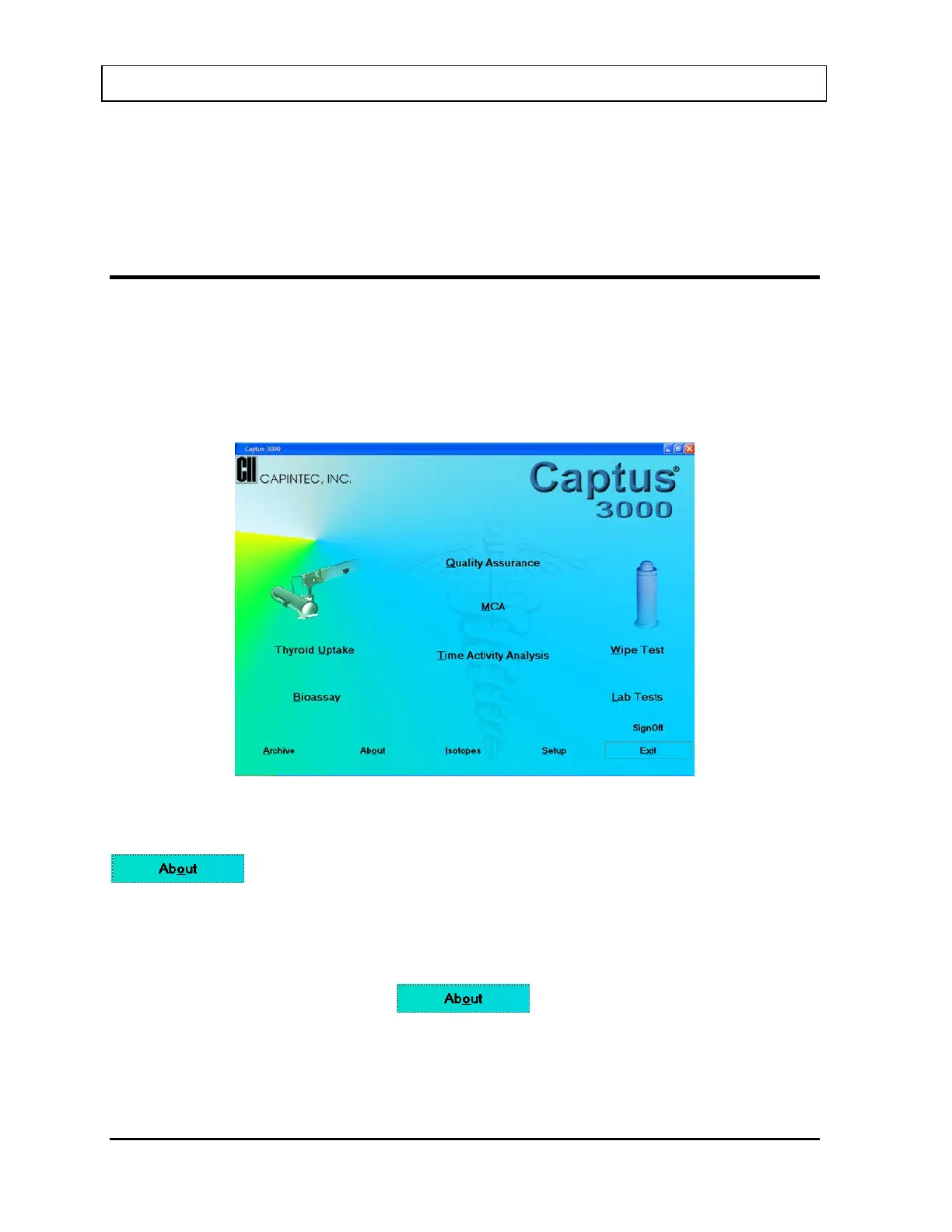
Tips window was disabled, the Main screen will appear as shown in Figure 4-12 Main
Screen. Before beginning any measurements, allow the system to warm up at least 30
minutes. It is recommended that the system be left on with the CAPTUS
®
3000 program
running because the MCA board is powered whenever the CAPTUS
®
3000 software is
running.
Figure 4-12 Main Screen
The software version installed on your CAPTUS
®
3000 can be identified by selecting the
button located at the bottom of the Main screen. The user cannot alter
information concerning the software version. Any software upgrades will automatically
change the version number accordingly.
Note: The Serial Number, together with your software version, is to be used as a reference
when contacting the CAPINTEC Service Center for information or assistance. To get
the software version, click the
button on the CAPTUS
®
3000 Main
screen.
4-16 GENERAL SETUP November 13



 To Next Page