CAPINTEC, INC. CAPTUS
®
3000
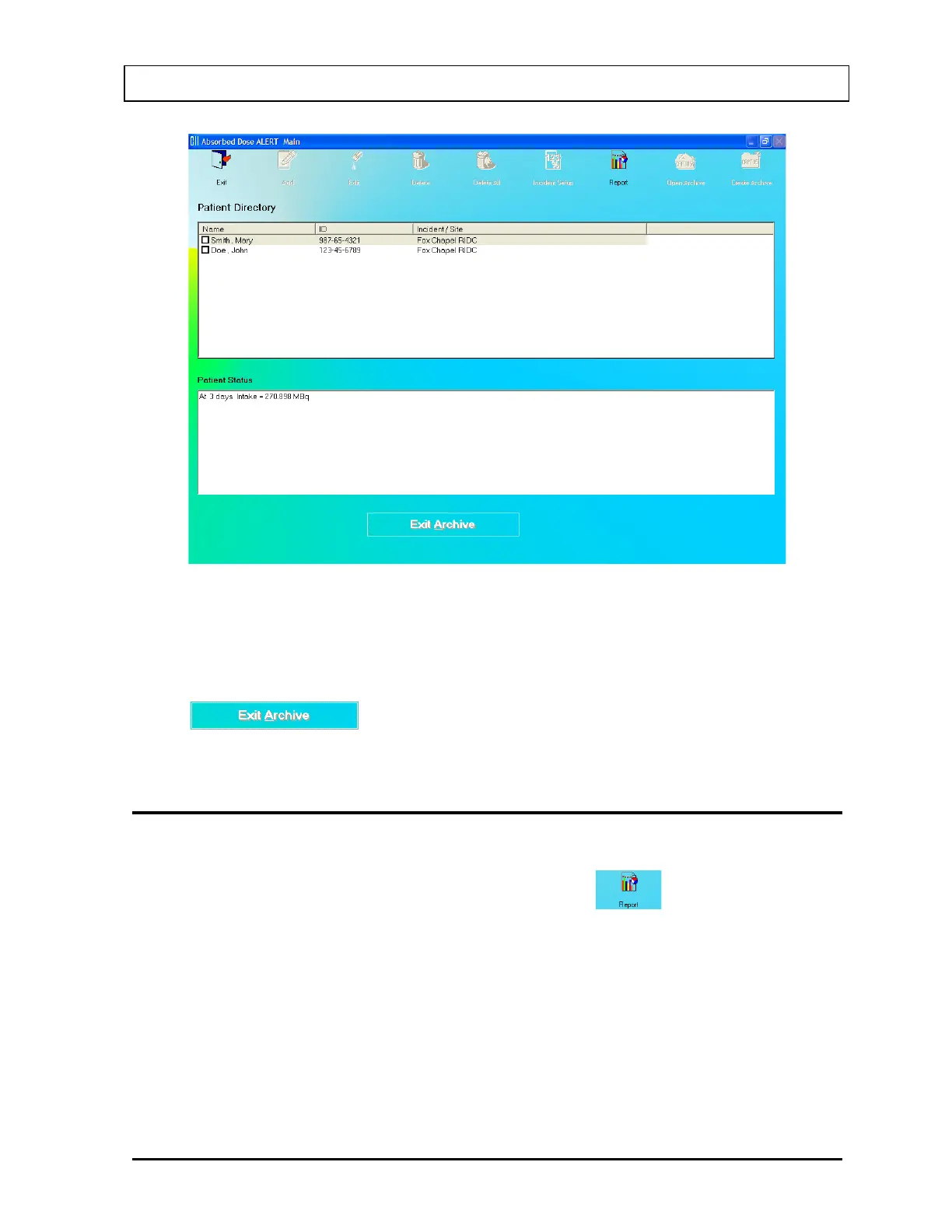
Figure 9-31
3. The only available function is Report.
4. To return to the current database and access all functions, click the
button. The patient list from the current database will be
displayed and full functionality will be returned.
PATIENT REPORTS
Displaying and Printing
1. On the Absorbed Dose ALERT Main Screen, click the icon. The screen
appears as shown in Figure 9-32, and includes a summary of all the patients in the
database. For each patient measurement the summary report includes:
• Incident description,
• Patient name and ID,
• Elapsed time since incident in days,
• Organ measured,
• Isotope measured,
• Net counting rate,
• Intake in µCi, and
• Comment.
July 14 ABSORBED DOSE ALERT 9-25



 To Next Page