¾ 7-1-24 ¾
Caller-ID Table
(2) To change the current information by searching the Telephone Number (Cont'd)
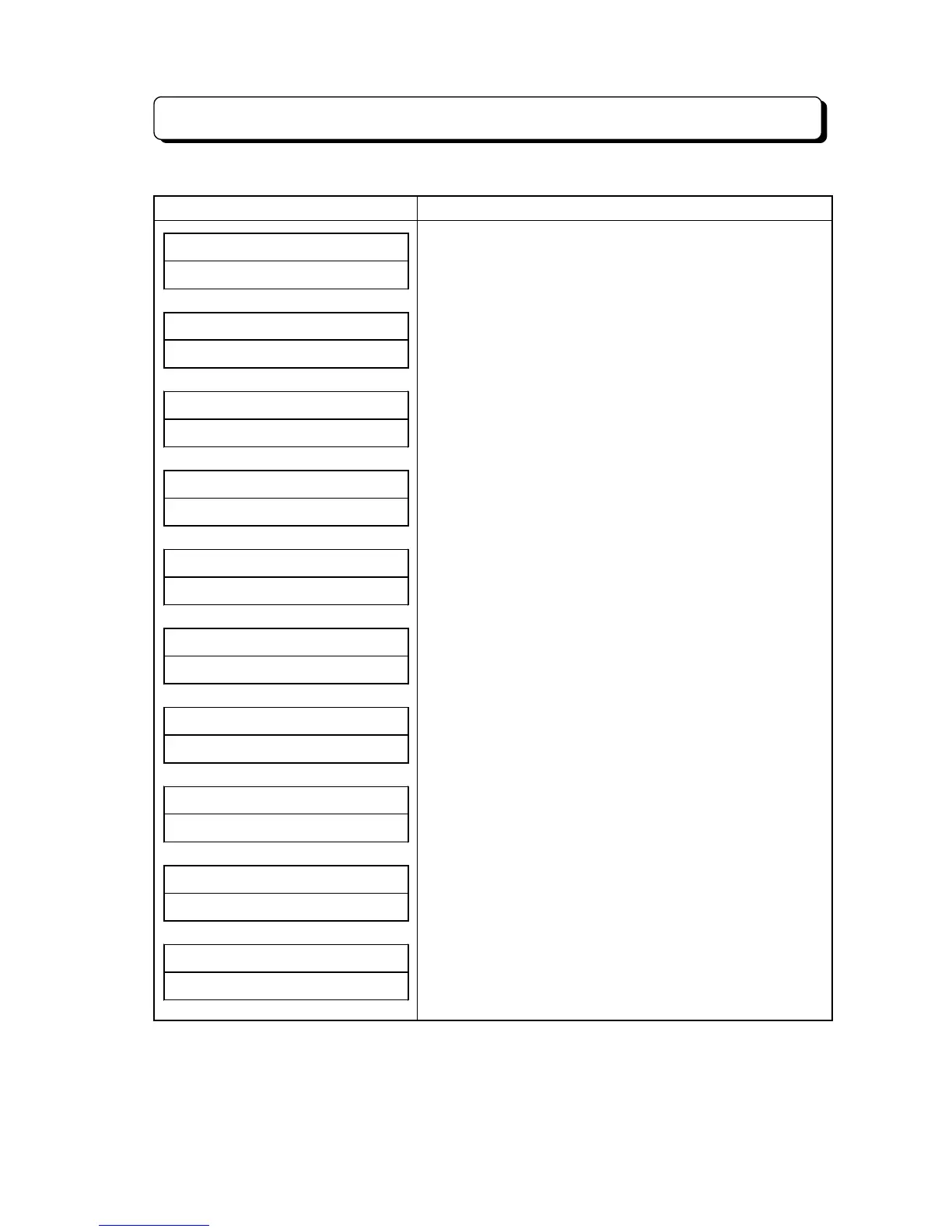
Display Indication Operation and Information
SEARCH# NUMBER##
##############04
3. Press Caller's Telephone Number (one digit to 10 digits
from ahead) for Search.
* If the dial input has error, OPAC key is to clear the lower
column. Then input again.
0448111111######
NITSUKO# CORP.###
4. Press
*
key.
* The corresponding data shall be displayed.
0448137101######
NITSUKO# OVERSEA
5. Press # key (search the forward information) or
*
key
(search the Backward information).
SEARCH# NUMBER##
LIST# END########
* If information is not in table, the indication shall be as
shown;
BIN# NO.012######
######0448111111
6. Press HOLD key.
* Corresponding Bin No. shall be displayed according to
the stored Telephone Number.
##SUN# 25# 12:00PM
10##############
* If KTS is not allowed to edit (#61-C) or other KTS is
storing some information, error tone shall be heard and
return to idle condition.
BIN# NO.012######
######0123456789
7. Dial new Telephone Number.
(for example: 0123456789)
* If the Telephone Number is not necessary to change, this
operation shall be skipped.
BIN# NO.012######
NITSUKO# CORP.###
8. Press
*
key.
* Stored Name shall be displayed.
BIN# NO.012######
BCD# LIMITED#####
9. Input new Name. (for example: BCD LIMITED)
* If the Caller's Name is not necessary to change, this
operation shall be skipped.
##SUN# 25# 12:00PM
10##############
10.Press HOLD key. (entry completed)
* Return to the idle condition.



 To Next Page