¾ 7-3-3-11 ¾
Features on DISA
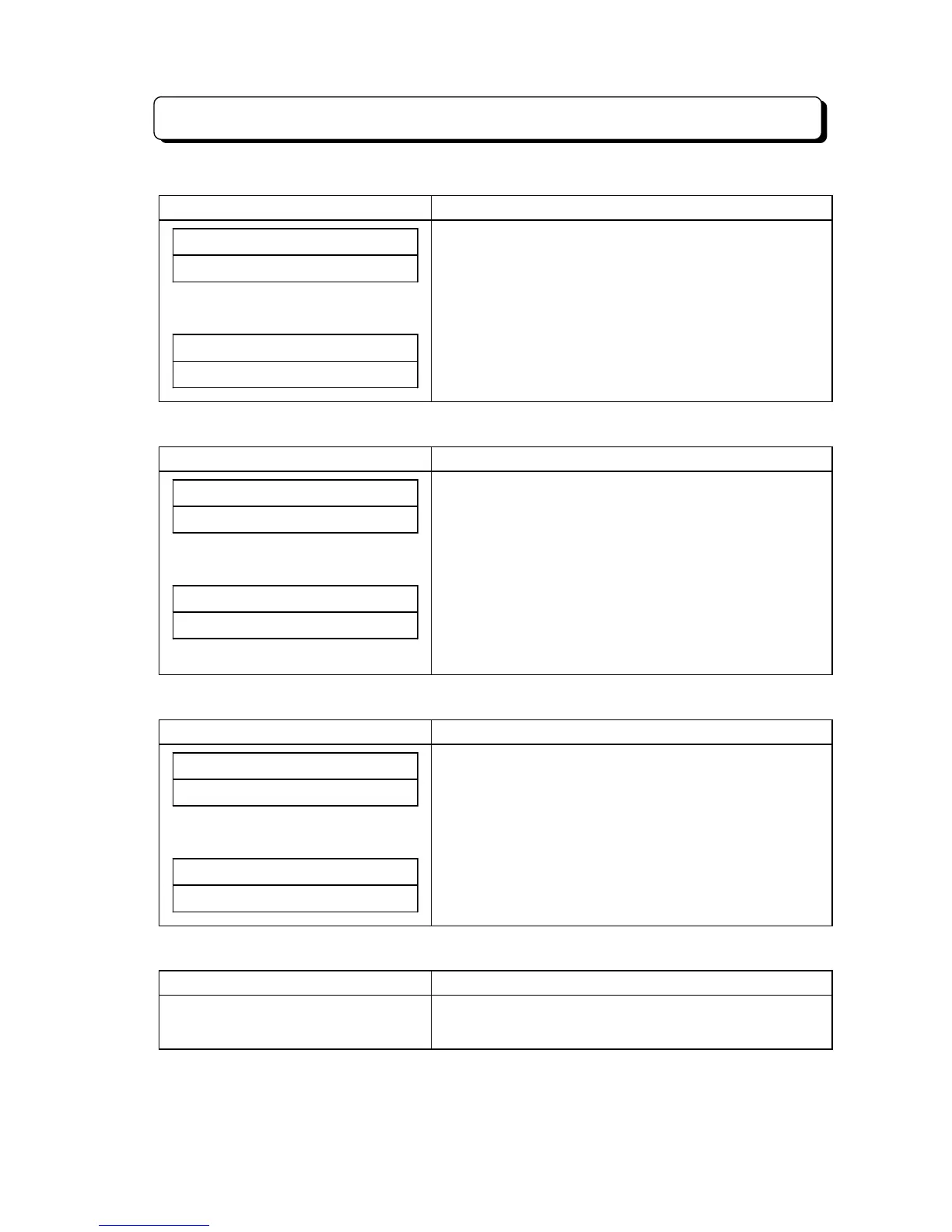
To confirm the contents of left Telephone Number:
Display Indication Operation and Information
LEAVE# TEL.NUMBER
######0123456789
1. Press CHECK and dial
*
.
(For Example: Left Telephone No. is 0123456789.)
* After confirmed Telephone Number, user can select the
Telephone number to be confirmed by dialing
*
or #.
(
*
: Scroll forward, #: Scroll backward)
##SUN# 25# 12:00PM
10#############
2. Press CLEAR. (Return to idle condition.)
To callback to left Telephone Number's party:
Display Indication Operation and Information
LEAVE# TEL.NUMBER
######0123456789
1. Press CHECK and dial
*
.
(For Example: Left Telephone No. is 0123456789.)
* User can select a Telephone Number to be called back
by dialing
*
or #.
(
*
: Scroll forward, #: Scroll backward)
LINE# 01#########
######0123456789
2. Press an idle Line key, DLS key or Loop key.
(For Example: Press Line 01 key.)
* Seize an idle Trunk line and automatically dial a left
Telephone Number.
To erase a left Telephone Number individually:
Display Indication Operation and Information
LEAVE# TEL.NUMBER
######0123456789
1. Press CHECK and dial
*
.
(For Example: Left Telephone No. is 0123456789.)
* User can select a Telephone Number to be erased by
dialing
*
or #.
(
*
: Scroll forward, #: Scroll backward)
##SUN# 25# 12:00PM
2. Press HOLD.
(Indicated Telephone Number on display is erased.)
To erase all left Telephone Numbers: (To go off the MW Lamp/Indicator:)
Display Indication Operation and Information
(On Hook condition)
1. Press OPAC and CLEAR.



 To Next Page